
Acer 21.5in FHD 100Hz Office Monitor
4.6Editor score
100Hz Refresh Rate
Adaptive Sync Support
ZeroFrame Design
1ms Response Time
Finding the right HDMI LED monitor is crucial for work and play. A quality display offers sharp visuals, smooth motion, and reliable connectivity for your daily tasks and gaming sessions.
We evaluated ten leading models based on refresh rates, panel types, connectivity options, and eye care features. Our analysis highlights the strengths of each screen to help you decide.
Each pick showcases specific benefits like color accuracy, response time, and design. Prices and availability change often, so check the current listings before making your final purchase decision.
4.6Editor score

4.7Editor score

4.6Editor score
As an Amazon Associate we earn from qualifying purchases.
This side-by-side comparison highlights the key specifications of each model to help you compare refresh rates, panel types, and connectivity options quickly.






The Dell 24 Monitor offers a compelling mix of speed and visual fidelity. With a 144Hz refresh rate and IPS panel, it delivers smooth motion and accurate colors for work and gaming.
We may earn a commission when you buy through this link, at no additional cost to you.
Its TÜV 3-star certification ensures reduced harmful blue light while preserving color quality. The 1ms MPRT minimizes blur, making it ideal for fast-paced content or competitive games.
While the stand only tilts, the thin bezels maximize viewing area. This trade-off is acceptable given the high performance and eye comfort features included at this price point.
Buy this if you need a reliable display for daily tasks and casual gaming. It stands out for its balance of motion clarity and eye safety certifications.
The 144Hz rate ensures fluid frame transitions, reducing stutter and blur during dynamic scenes.
TÜV certification helps reduce eye strain during long work hours without sacrificing visual quality.
We may earn a commission when you buy through this link, at no additional cost to you.
The Acer KB220Q is an excellent entry-level option for users seeking smooth motion on a budget. Its 100Hz refresh rate and ZeroFrame design make it visually appealing and functional.
We may earn a commission when you buy through this link, at no additional cost to you.
Adaptive Sync support ensures smooth gameplay without tearing. The 1ms response time helps keep fast action clear, which is rare at this price range.
The compact size might limit multitasking space. However, the immersive design and performance features make it a strong value for single monitor setups.
Choose this if you need a cost-effective display for office work or light gaming. It delivers impressive speed for its category.
The bezel-less design offers more screen real estate and looks great in multi-monitor setups.
Adaptive Sync and fast response times provide a smooth experience for casual gaming sessions.
We may earn a commission when you buy through this link, at no additional cost to you.
The Dell P2425H is built for professional environments requiring long comfort. Its height, tilt, and swivel adjustments help maintain a healthy posture throughout the workday.
We may earn a commission when you buy through this link, at no additional cost to you.
With a 1500:1 contrast ratio, it offers deep blacks and rich images. The premium build quality ensures reliability for heavy daily use in an office setting.
It lacks high refresh rates for competitive gaming. This trade-off is acceptable for users prioritizing ergonomics and comfort over fast motion rendering.
Invest in this if you spend hours daily at a desk. The ergonomic features and build quality justify the higher cost.
Height adjustment and swivel help align the screen with your eyes to reduce neck strain.
The sturdy construction ensures the monitor remains stable and functional over years of use.
We may earn a commission when you buy through this link, at no additional cost to you.
The Sceptre 24-inch Prime offers great connectivity and audio. Built-in speakers remove the need for external audio, while multiple HDMI ports support several devices easily.
We may earn a commission when you buy through this link, at no additional cost to you.
Its 99% sRGB coverage delivers decent color accuracy. The 100Hz refresh rate ensures smooth scrolling and video playback, making it suitable for general media use.
The design is functional but not stylish. You may prefer a sleeker frame, but the utility provided by the ports and speakers compensates well.
Select this if you want a plug-and-play solution with audio. It is convenient for setups where desk space is limited.
Integrated speakers save desk space and simplify wiring for casual media consumption.
The sRGB coverage ensures colors look true to life for standard media tasks.
We may earn a commission when you buy through this link, at no additional cost to you.
The Sceptre E275W provides a larger viewing area for those who need more screen real estate. Its 27-inch size is great for multitasking and immersive video watching.
We may earn a commission when you buy through this link, at no additional cost to you.
Game modes like FPS and RTS optimize display settings for specific genres. This helps improve visibility and reaction time in gaming scenarios.
Panel contrast may not match higher-end models. However, the size and refresh rate offer solid performance for the price.
Pick this if you prefer a bigger screen for media. It offers a good balance of size and basic gaming features.
The 27-inch display offers plenty of space for work windows or media playback.
Custom game modes enhance visibility and settings for specific play styles.
We may earn a commission when you buy through this link, at no additional cost to you.
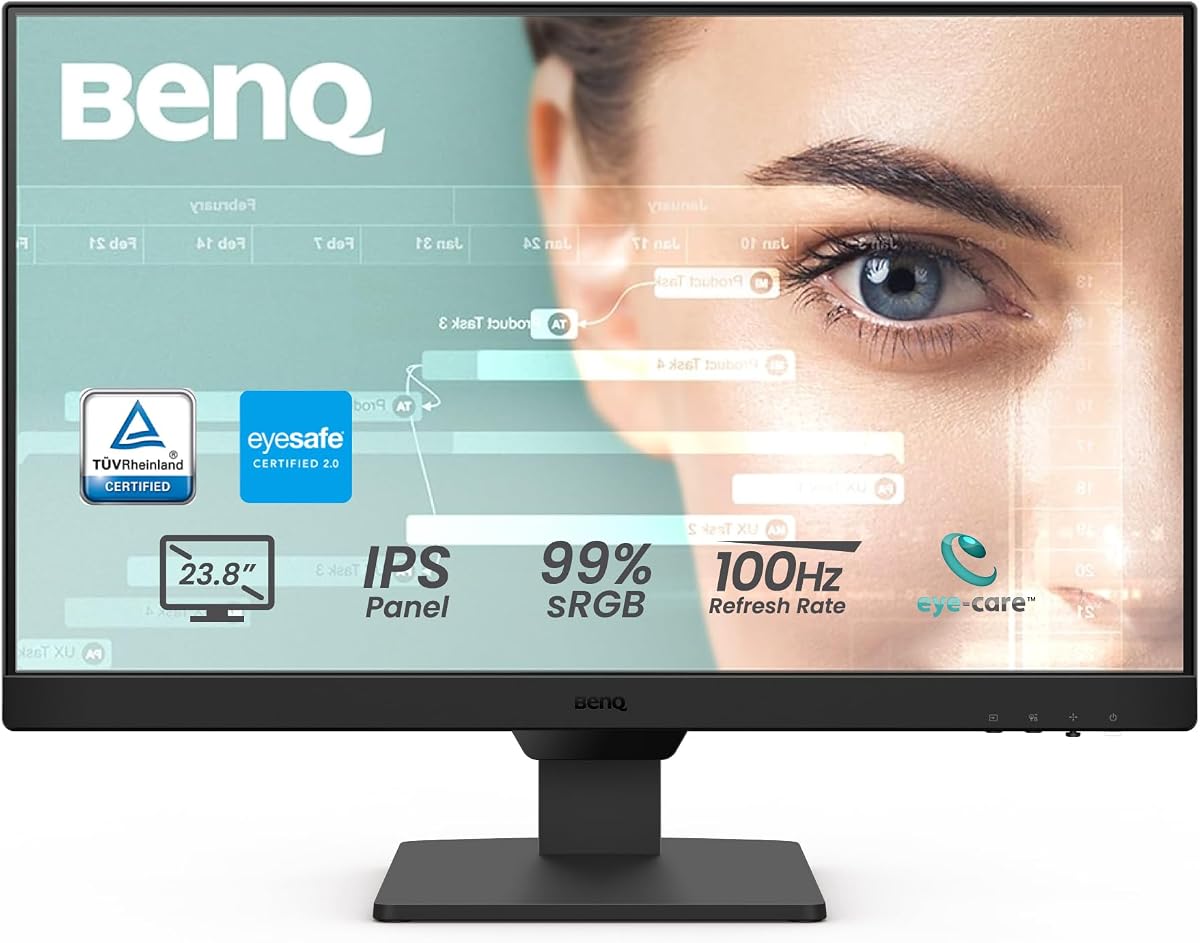
The BenQ GW2490 focuses on eye health and color. Low Blue Light and Adaptive Brightness help reduce strain during long viewing sessions without compromising image quality.
We may earn a commission when you buy through this link, at no additional cost to you.
IPS technology ensures wide viewing angles and accurate colors. Input hotkeys make switching between devices quick and seamless for mixed setups.
It lacks aggressive gaming modes. For users prioritizing eye comfort and color, this is a strong choice for daily productivity.
Choose this if eye health is a priority. It is excellent for reading and document editing.
Low Blue Light Plus filters harmful rays while maintaining color vibrancy for health.
IPS technology delivers consistent colors even at wide viewing angles for accurate work.
We may earn a commission when you buy through this link, at no additional cost to you.
The Philips 241V8LB uses a VA panel for deep blacks and contrast. This makes it excellent for movies and dark scenes where detail matters.
We may earn a commission when you buy through this link, at no additional cost to you.
Flicker-Free technology and EasyRead mode protect eyes during long office hours. The bezel-free design enhances the visual immersion of the display.
Response time is slower than IPS models. For static work and movies, this difference is minimal and acceptable for the price.
Select this if contrast is your priority. It is great for media and document viewing.
The VA panel produces deeper blacks and brighter whites for impactful visuals.
EasyRead mode adjusts the screen to mimic paper for comfortable long reading sessions.
We may earn a commission when you buy through this link, at no additional cost to you.
The BenQ BL2490 is designed for bright environments. Its anti-glare coating prevents reflections, making it easier to work under overhead lights or near windows.
We may earn a commission when you buy through this link, at no additional cost to you.
With a 100Hz refresh rate, it handles dynamic content smoothly. The 1300:1 contrast offers good depth for standard tasks.
The stand only tilts. While functional, it lacks height adjustment. This is a minor trade-off for the clarity provided in bright spaces.
Pick this if glare is a problem for you. It is ideal for bright offices or kitchens.
Coatings reduce reflections so you can see the screen clearly in any lighting.
100Hz ensures smooth transitions for scrolling and video without visible lag.
We may earn a commission when you buy through this link, at no additional cost to you.
The LG 24U411A-B offers versatile features for work and play. HDR10 and 120Hz support enhance media quality, while game-specific tools like Black Stabilizer improve visibility.
We may earn a commission when you buy through this link, at no additional cost to you.
Dynamic Action Sync reduces input lag, making reactions faster. Reader Mode lowers blue light for comfortable document work and reading.
The stand is slim and adjustable only by tilt. This fits well with minimalist setups but lacks height flexibility for ergonomics.
Choose this if you want a versatile all-rounder. It handles work and media with strong performance.
Black Stabilizer brightens dark areas so you can spot enemies easily in games.
HDR10 enables richer details and colors in supported media content and videos.
We may earn a commission when you buy through this link, at no additional cost to you.
The Dell S2425HSM combines performance and ergonomics. It includes height, tilt, pivot, and swivel adjustments, ensuring you can find a perfect viewing angle easily.
We may earn a commission when you buy through this link, at no additional cost to you.
Dual 3W speakers enhance audio quality. Combined with 144Hz and FreeSync, it is a strong contender for gaming and multimedia use.
It costs more than basic models. For users needing full ergonomic adjustments and good sound, the investment pays off in comfort.
Pick this if you want full adjustability. It offers a complete package for work and play.
Integrated speakers and high refresh rates provide a rich media experience.
Pivot and swivel options allow vertical displays and better desk sharing.
We may earn a commission when you buy through this link, at no additional cost to you.
Selecting the right monitor depends on your needs and budget. We cover the essential factors to help you make an informed decision.
Refresh rate determines how many frames the screen displays per second. Higher rates like 144Hz reduce motion blur in fast action.
Choose higher rates for gaming or video editing. 60Hz is fine for basic office work.
IPS panels offer great color accuracy and viewing angles. VA panels provide deeper blacks and better contrast.
Pick IPS for creative work. VA is great for dark room watching and contrast.
Ensure the monitor has enough HDMI ports for your setup. DisplayPort may be needed for high refresh rates.
Check port types match your devices. More ports offer better flexibility.
Look for features like Low Blue Light and Flicker-Free technology. These reduce strain during long sessions.
Prioritize these if you work all day. They protect long-term eye health.
Adjustable stands with height tilt pivot and swivel improve posture. Fixed stands limit positioning options.
Invest in adjustability if you sit long hours. Comfort is crucial for health.
Speakers save desk space and reduce cable clutter. They may lack depth for serious audio needs.
Use these for casual listening. External speakers are better for music.
sRGB coverage affects how true colors look. Higher percentages mean more accurate image display.
Check this for design work. Standard coverage is fine for web browsing.
Thin bezels maximize screen space and look modern. Stand bases may take up desk area.
Look for slim designs for a clean setup. Ensure stability matches the screen size.
Connect your device to the monitor using an HDMI cable to ensure optimal signal quality. Secure the cable to avoid loose connections causing image flickers.
Use the included OSD menu to adjust brightness and contrast settings. Proper calibration helps maintain eye comfort during work.
Clean the screen with a soft microfiber cloth to avoid scratches. Avoid chemical cleaners that can damage the panel coating.
For gaming, 144Hz or higher is ideal to reduce motion blur. For casual gaming, 60Hz to 100Hz is sufficient for smooth visuals.
They are convenient for basic audio but lack depth for music. External speakers are better for immersive sound experiences.
Enable Low Blue Light modes in the OSD settings. Some models include specific eye-care modes to filter harmful rays.
IPS offers better color consistency and viewing angles. VA has better contrast but may suffer from slower response times.
VESA mounting allows you to attach the monitor to an arm or wall. This saves desk space and improves positioning flexibility.
Look for high sRGB coverage and IPS panels. Many models in this guide support accurate color for basic editing tasks.
Most monitors last 3 to 5 years with regular use. Consider replacing if the panel shows burn-in or dead pixels.
Most monitors do not include cables. Check the product details to confirm if an HDMI cable is provided with your purchase.
The Dell 24 Monitor and Acer KB220Q lead in performance and value respectively. Our top picks balance speed and eye comfort for all users.
Prioritize refresh rates for gaming and ergonomics for office work. Features like speakers and eye care enhance your daily setup.
Check current prices and availability before buying. Technology changes quickly so verify specs match your needs today.