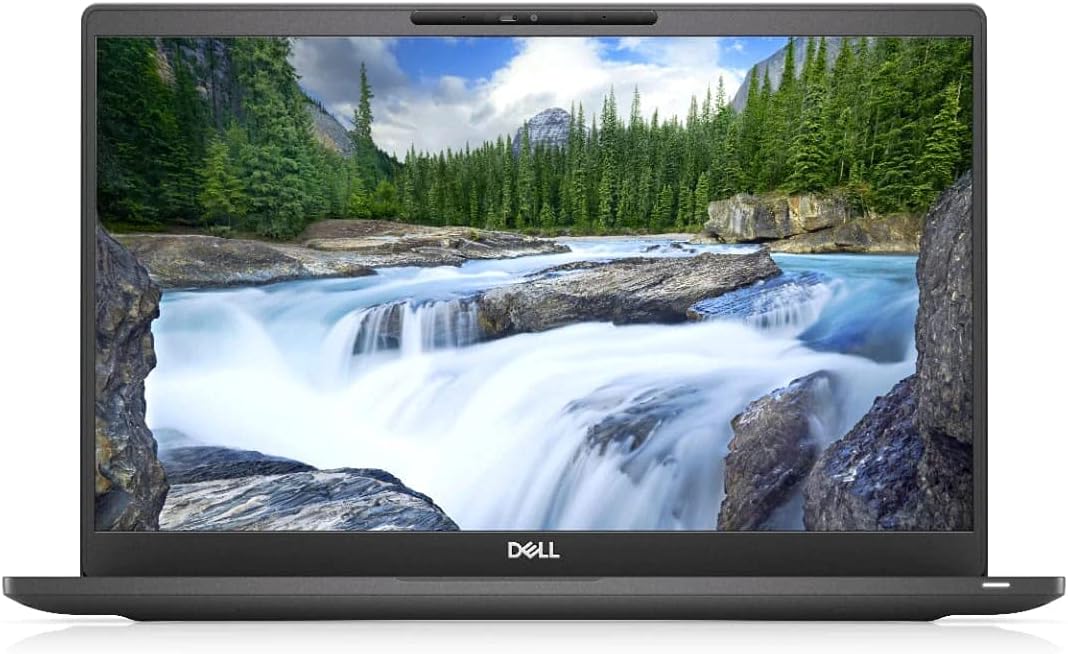
Dell Latitude 7400
4.0Editor score
32GB RAM for multitasking
Core i7 processor speed
14 inch FHD display
Choosing the right laptop for Fusion 360 is crucial for engineers and designers who need reliable performance for 3D modeling and simulations. The software demands specific hardware capabilities to run smoothly without lag or crashes during complex projects.
We compared ten real laptops based on processor speed, RAM capacity, storage type, and graphics performance. Each model was evaluated for its ability to handle Autodesk Fusion 360 requirements while considering portability and battery life for professionals on the go.
Each pick in this guide shows key specifications and real-world performance insights to help you make an informed decision. Prices and availability change frequently so check current listings before purchasing to ensure you get the best value for your needs.
4.0Editor score

4.5Editor score

4.0Editor score
As an Amazon Associate we earn from qualifying purchases.
This side-by-side comparison highlights the key specifications of all ten laptops to help you identify which model best fits your workflow requirements for CAD and design work.




This HP Victus laptop stands out with its 32GB RAM and RTX 3050 graphics making it ideal for running Fusion 360 efficiently. The 15.6 inch 144Hz display ensures smooth visuals when working on complex 3D models or simulations.
We may earn a commission when you buy through this link, at no additional cost to you.
The Intel Core i5-13420H processor delivers strong multi-core performance which is essential for rendering and compiling designs in CAD software. With 1TB SSD storage you have ample space for large project files and quick access to data.
While it is a gaming laptop the backlit keyboard and numeric keypad are practical for long design sessions. The main trade-off is weight and battery life but these are acceptable for the performance gains provided.
Anyone needing reliable hardware for Fusion 360 should consider this model. It balances cost and capability well offering enough power for professional work without breaking the bank.
The dedicated graphics card accelerates rendering tasks significantly compared to integrated solutions found in standard laptops.
Large SSD capacity means you can keep multiple projects offline without worrying about running out of space quickly.
We may earn a commission when you buy through this link, at no additional cost to you.
The ASUS TUF F16 offers top-tier performance with DDR5 RAM and an RTX 4050 GPU which handles heavy 3D workloads with ease. The 16 inch display provides more screen real estate for viewing detailed models side by side.
We may earn a commission when you buy through this link, at no additional cost to you.
Its processor configuration beats standard i5 models ensuring smooth multitasking between Fusion 360 and other tools like web browsers or communication apps. The included laptop cooler helps maintain peak performance during extended use.
The main drawbacks are the higher cost and added weight due to the larger chassis and cooling system. These factors might matter if you travel frequently but for stationary work it excels.
Choose this laptop if you need maximum performance and screen space for advanced design work. It is a solid investment for professionals who prioritize power over portability.
DDR5 RAM offers faster data transfer rates which improves overall system responsiveness during intensive tasks.
The 16 inch screen allows for better workspace organization without needing an external monitor constantly.
We may earn a commission when you buy through this link, at no additional cost to you.
This Dell Latitude 7400 provides excellent value with 32GB RAM which helps manage large assemblies in Fusion 360 without slowdowns. The 14 inch FHD display is sharp and suitable for detailed work in portable form factor.
We may earn a commission when you buy through this link, at no additional cost to you.
While the processor is older it still offers sufficient speed for most design tasks. The renewed status means it comes at a lower price point while maintaining reliable performance for daily use.
The limited SSD storage may require external drives for larger projects but this is manageable with cloud solutions. It is lighter than gaming alternatives making it easier to carry to client meetings.
For those on a budget needing serious RAM capacity this laptop is a strong contender. It delivers professional performance without the premium price tag of newer high-end models.
Renewed units offer significant savings while retaining the core specs needed for CAD software.
The 14 inch chassis is easier to transport than larger 15 or 16 inch gaming laptops.
We may earn a commission when you buy through this link, at no additional cost to you.
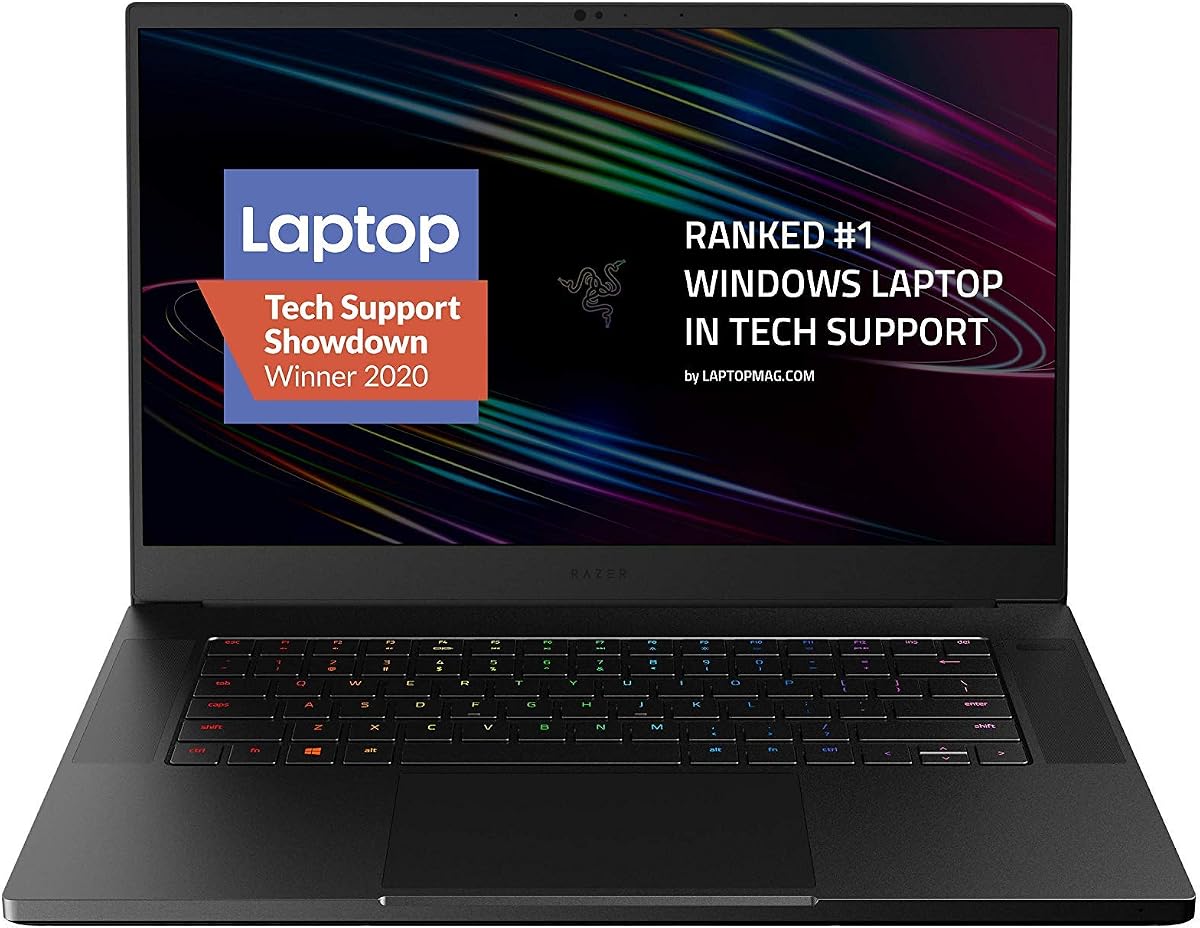
The Razer Blade 15 combines premium aluminum construction with strong performance capable of handling Fusion 360 demands. Its high refresh rate display ensures fluid visual feedback during modeling tasks.
We may earn a commission when you buy through this link, at no additional cost to you.
The RTX 2070 Super provides robust graphics power for rendering and visualization. However 16GB RAM may limit multitasking with other heavy applications compared to 32GB options.
Cost is a significant factor here as this model is among the pricier options. It suits users who want both design capability and high-end aesthetics for professional settings.
Consider this if budget allows and build quality matters alongside performance. It is a stylish choice for professionals needing a powerful mobile workstation.
The 300Hz screen reduces motion blur providing smoother navigation through complex 3D environments.
CNC aluminum unibody ensures longevity and protection during travel compared to plastic chassis.
We may earn a commission when you buy through this link, at no additional cost to you.
This ASUS TUF model offers a solid balance of durability and performance for CAD work. The i7 processor handles standard design tasks well though RAM limitations may require an upgrade.
We may earn a commission when you buy through this link, at no additional cost to you.
The 144Hz display delivers smooth visuals which helps when rotating complex 3D models. Its rugged build quality ensures it withstands regular transport in professional environments.
The main drawback is the 8GB RAM which might struggle with large assemblies. Users may need to upgrade memory to fully utilize Fusion 360 features efficiently.
Ideal for budget-conscious users needing reliable hardware for occasional design work. It provides a good foundation that can be improved with minor upgrades.
Military standard construction protects the device against bumps and drops during travel.
Memory slots allow adding more RAM to support heavier workloads without replacing the whole unit.
We may earn a commission when you buy through this link, at no additional cost to you.
This HP Chromebook is a versatile budget option with a 2-in-1 design and decent RAM for basic tasks. The touchscreen allows easy interaction with simple drawing or review tasks.
We may earn a commission when you buy through this link, at no additional cost to you.
However the Intel Processor N200 lacks the power for heavy 3D modeling. It works best for reviewing designs rather than creating complex assemblies locally.
The ChromeOS environment limits software compatibility for professional CAD tools. Users must rely on cloud versions or web apps which may not support all Fusion 360 features.
Consider this for students or light users needing portability and low cost. It serves well for viewing files but not for intensive design creation.
The 360-degree hinge allows multiple viewing angles which aids in collaborative review sessions.
Affordable pricing makes it accessible for users needing a secondary device for basic tasks.
We may earn a commission when you buy through this link, at no additional cost to you.
The Acer Chromebook Spin 513 offers extreme portability with a compact 13.3 inch screen and light chassis. It is designed for travel and basic computing tasks on the go.
We may earn a commission when you buy through this link, at no additional cost to you.
Performance is limited by 4GB RAM and slow storage which struggles with CAD requirements. It is best suited for viewing documents or using web-based tools rather than heavy rendering.
Users requiring serious design work will find this underpowered for Fusion 360. It serves well as a secondary device for communication or light review tasks.
Choose this if portability is the top priority and design needs are minimal. It is an affordable travel companion for those needing basic functionality.
The small footprint fits easily in backpacks making it ideal for commuting or business travel.
Designed for simple tasks like browsing and note-taking rather than intensive software execution.
We may earn a commission when you buy through this link, at no additional cost to you.
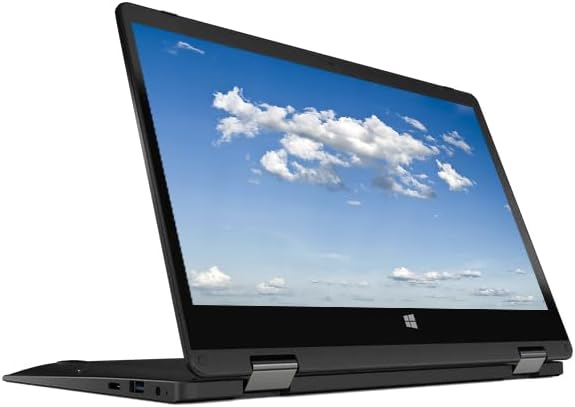
This HP X360 offers basic convertible functionality with an 11.6 inch screen and Windows 11. It is suitable for lightweight tasks and viewing content in different orientations.
We may earn a commission when you buy through this link, at no additional cost to you.
The Intel 4-Core processor handles basic web browsing but lacks speed for complex CAD rendering. Storage capacity is modest so managing large files may require external drives.
Ideal for users needing a budget-friendly device for administrative work or note-taking. It is not recommended for heavy Fusion 360 projects requiring high performance.
Consider this if you need a low-cost device for occasional use or travel. It provides flexibility with its touch and tablet modes for simple interactions.
The 360-degree rotation allows using the device as a tablet for sketching or presentations.
Fast Wi-Fi 6 ensures quick data transfers when using cloud-based design tools.
We may earn a commission when you buy through this link, at no additional cost to you.
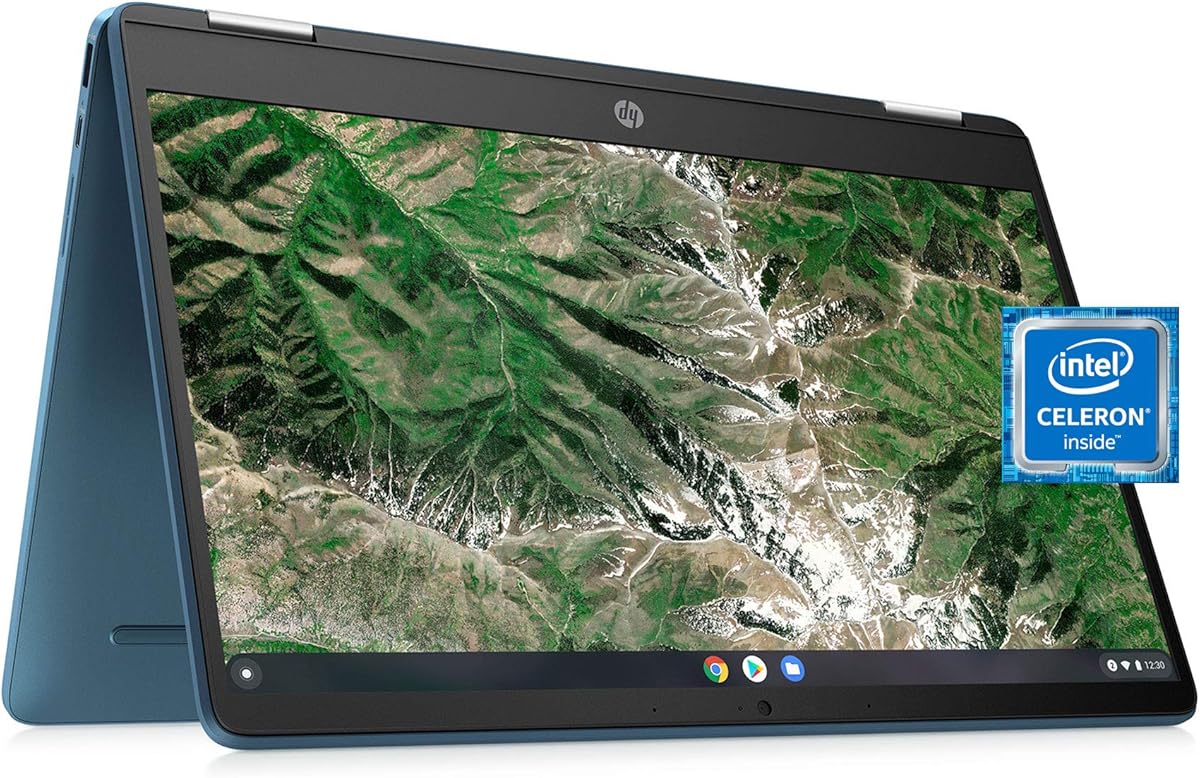
This HP Chromebook provides a 14 inch touchscreen convertible design for flexible viewing angles. It is built for basic tasks like web browsing and document editing rather than professional work.
We may earn a commission when you buy through this link, at no additional cost to you.
The Celeron processor and limited RAM cannot handle heavy 3D modeling. It may serve for light sketching but is not capable of running desktop Fusion 360 effectively.
Users should consider this for secondary use cases such as travel or casual computing. It is not suitable for primary design workflows requiring significant computing power.
Choose if budget is tight and portability is key for basic needs. It offers a simple experience for those not needing heavy software capabilities.
The larger 14 inch screen compared to 11.6 models offers better visibility for content.
Stereo speakers and touchscreen make it a decent choice for watching videos on the go.
We may earn a commission when you buy through this link, at no additional cost to you.
The Acer Gateway 11.6 is an entry-level convertible with Windows 11 and basic touch capabilities. It is designed for simple tasks and portability rather than heavy workloads.
We may earn a commission when you buy through this link, at no additional cost to you.
With 4GB RAM and modest storage it cannot support demanding CAD software. It may serve as a secondary device for reading or light editing but not for modeling.
Ideal for students needing a budget device for note-taking or browsing. It is not suitable for professional design work requiring significant processing power.
Consider this for casual users prioritizing price and flexibility. It offers basic convertible features at a very low cost point.
This model is among the most affordable options available for basic computing needs.
The IPS touch screen allows for easy interaction in different modes for various tasks.
We may earn a commission when you buy through this link, at no additional cost to you.
Selecting the right laptop for Fusion 360 requires understanding specific hardware needs to ensure smooth performance for 3D modeling and simulations.
Fusion 360 relies heavily on CPU performance for rendering and simulations. Look for multi-core processors like Intel Core i5 or i7 with high base clock speeds to handle complex operations efficiently.
A faster processor ensures that your design workloads are processed quickly without lag or freezing during critical tasks.
Large assemblies in Fusion 360 demand substantial memory. Aim for at least 16GB of RAM though 32GB is recommended for smoother multitasking and larger file handling.
Sufficient RAM prevents slowdowns when switching between design files and other applications simultaneously.
Dedicated graphics cards accelerate rendering and visualization. NVIDIA RTX series GPUs are ideal for providing the necessary power for real-time 3D previews and simulation results.
Integrated graphics may struggle with detailed models so a discrete GPU is essential for professional workflows.
Solid State Drives (SSD) offer fast boot times and quicker file access. Choose at least 512GB storage to accommodate multiple project files and software installations.
Large capacity ensures you do not run out of space when working on extensive design libraries.
A high-resolution screen with good color accuracy helps in precise modeling. Full HD (1920×1080) is the minimum standard to view details clearly.
Larger screens provide more workspace which is beneficial when working with complex 3D environments.
Consider the weight and battery life if you need to work on the go. Lighter laptops are easier to transport but may sacrifice some performance or battery duration.
A balance between mobility and power is key for professionals who travel frequently.
Fusion 360 supports Windows and macOS but certain features may vary. Ensure the operating system is up to date to avoid compatibility issues with software updates.
Windows 11 is recommended for the best integration with Autodesk applications.
Multiple USB ports and HDMI outputs allow connection to external monitors and accessories. Good connectivity helps in expanding your workspace for better productivity.
USB-C ports provide versatile charging and data transfer options for modern peripherals.
To maintain optimal performance install Fusion 360 on your SSD and keep your operating system updated regularly. This ensures compatibility with the latest software features and security patches.
Clean your laptop screen and keyboard with a soft microfiber cloth to avoid scratches or damage. Avoid spilling liquids on the device to protect internal components from moisture.
Store your laptop in a protective case when transporting it to prevent physical damage. Ensure proper ventilation during use to avoid overheating which can reduce performance and lifespan.
Eight gigabytes of RAM is the absolute minimum but may cause slowdowns with large models. For smooth operation especially with multiple apps open consider upgrading to 16GB or more.
Fusion 360 does not run natively on ChromeOS. You may access cloud versions but full desktop features are limited on Chromebooks.
NVIDIA RTX series graphics cards are highly recommended for their rendering capabilities. Integrated graphics work for basic tasks but struggle with complex visuals.
Larger displays improve workflow efficiency by showing more of the workspace. A 15-inch or larger screen is ideal for detailed modeling tasks.
A dedicated GPU significantly speeds up rendering and simulations. While integrated graphics suffice for simple tasks a discrete card is essential for professional work.
Solid State Drives are recommended for their speed and reliability. Avoid mechanical hard drives as they slow down file loading and system responsiveness.
We reviewed ten laptops ranging from budget options to high-performance workstations to suit different needs. Each model offers unique benefits depending on your specific design requirements and budget constraints.
Prioritize processor speed RAM and graphics capabilities to ensure your laptop can handle complex modeling tasks without delays. A balance between performance and portability will enhance your productivity significantly.
Remember that prices change frequently so check current listings for the best deals before purchasing. This ensures you get the most value for your investment in the right hardware.