
Thermaltake Smart 500W
4.6Editor score
80 PLUS White Certified
Quiet 120mm Fan
Five Year Warranty
Explore our expert comparison of the top 350W PSU options for budget builds and compact systems, covering efficiency, safety features, and reliability
Selecting the right power supply is crucial for system stability. A 350W PSU offers efficient power for basic desktops and office PCs without excess cost or waste for entry-level needs.
We analyzed ten top-rated models focusing on efficiency ratings, safety protections, and fan noise. Our list covers standard ATX units and compact form factors suitable for small builds.
Each pick highlights key specs, pros, and cons to help you decide. Remember that prices fluctuate frequently, so verify current deals before making your final purchasing decision online.
4.6Editor score

5.0Editor score
This table provides a side-by-side overview of all ten power supply units evaluated in this guide, highlighting their key specifications and ratings for quick comparison.



The Thermaltake Smart 500W stands out as a top choice for budget-conscious builders needing reliable power. With a solid 4.6 rating, it delivers consistent performance and meets Intel ATX standards for modern PCs.
We may earn a commission when you buy through this link, at no additional cost to you.
Its 80 PLUS White certification ensures efficiency under typical loads while the 120mm fan keeps noise levels low. The unit includes active PFC and multiple protection layers like over voltage and short circuit safeguards.
While it lacks the highest efficiency tiers, the 500W output provides headroom for basic gaming or office systems. Non-modular cables may clutter compact cases but remain standard for this price range.
Ideal for entry-level desktops or office PCs, this unit offers peace of mind with its five year warranty. It balances cost and reliability effectively for users upgrading older systems.
The 120mm fan uses thermal control to reduce noise when full power is not needed.
Multiple protections including OPP OVP and SCP ensure your components stay safe from power spikes.
We may earn a commission when you buy through this link, at no additional cost to you.
This Silverstone unit targets specialized small form factor builds requiring high efficiency in a tiny package. While rated N/A it meets strict industrial standards for continuous operation at low profiles.
We may earn a commission when you buy through this link, at no additional cost to you.
Its 80 PLUS Gold certification means less energy waste and heat output compared to standard units. The Flex ATX 1U form factor fits into 1U rack cases or ultra slim desktop enclosures easily.
The single +12V rail simplifies power distribution for components needing stable voltage. Fixed cables reduce slack but limit customization options for tight internal spaces.
Best for NAS systems or industrial PCs running round the clock, this power supply ensures stability over long periods. Its premium build quality justifies the higher cost for critical applications.
Engineered to handle 24/7 operation with high temperature tolerance and long lifespan components.
Flex ATX form factor allows for smaller case designs and optimized airflow in tight spaces.
We may earn a commission when you buy through this link, at no additional cost to you.
The Apevia ITX-PFC400W offers fully modular cabling in a compact form factor ideal for small builds. Its 3.9 rating suggests mixed user experiences but technical specs remain strong for the price.
We may earn a commission when you buy through this link, at no additional cost to you.
Modular cables help reduce clutter inside tiny cases where space is tight. Active PFC supports a wide voltage range from 90 to 264 volts for global compatibility and efficiency.
The 40mm fan provides forced air ventilation but may be audible under load. Split connectors for CPU and motherboard allow adaptability for different board power requirements.
Suitable for mini-PC enthusiasts wanting clean cable management, this unit balances size with connectivity options. Ensure proper cable routing during installation for optimal airflow and cooling.
Only connect the cables you need which reduces wire clutter and improves airflow in small cases.
Split pins allow you to adjust connector sizes to fit various motherboard and CPU power sockets.
We may earn a commission when you buy through this link, at no additional cost to you.
This Venus 450W model delivers basic power at a very low cost point. With a 4.0 rating it serves well for simple desktop tasks where high performance is not critical.
We may earn a commission when you buy through this link, at no additional cost to you.
The 120mm fan includes auto thermal control to save energy when demand is low. It supports split CPU and motherboard connectors for wider compatibility with older or newer boards.
While it lacks official efficiency certification, the comprehensive protection system includes over voltage and temperature safeguards. Non-modular cables are standard but manageable for average cases.
Great for office PCs or media centers, this unit provides essential reliability without breaking the bank. Proper installation ensures safe operation as noted in the product warnings.
Supports both 20 and 24 pin connections to match different motherboard power socket designs.
Tolerance of five percent ensures stable output within acceptable limits for stable component function.
We may earn a commission when you buy through this link, at no additional cost to you.
The ARESGAME AGV Series brings Bronze certification to budget builds with a solid four year rating. Its 500W output handles entry level GPUs and CPUs without issues.
We may earn a commission when you buy through this link, at no additional cost to you.
Black cables provide a cleaner look compared to older rainbow styles while the 120mm fan ensures quiet operation. The five year warranty offers long term reassurance for buyers.
Non modular cables might limit airflow in tight cases but work fine for standard towers. Efficiency is higher than unregulated units leading to less wasted energy and heat.
Perfect for home office PCs or light gaming rigs, this power supply balances cost and quality well. It is a safe choice for those seeking reliability without high expenses.
A five year warranty shows confidence in component quality and offers repair or replacement protection.
Bronze certification means less energy is lost as heat during typical workload operations.
We may earn a commission when you buy through this link, at no additional cost to you.
This unit represents a standard generic power supply suitable for replacements in older or budget systems. The HG2 series designation indicates multiple models under one label.
We may earn a commission when you buy through this link, at no additional cost to you.
ROHS compliance ensures it meets environmental standards for hazardous substances. Standard ATX dimensions fit most cases but specific internal components may vary by batch.
Without detailed efficiency specs users should expect basic performance typical of entry level units. It serves as a functional replacement when original power fails.
Best for non-critical repairs or very basic tasks, this PSU provides power without advanced features. Verify connector types match your motherboard before purchase to ensure compatibility.
Designed to fit standard ATX cases for easy replacement and installation in desktop setups.
ROHS compliant production reduces hazardous waste and meets international environmental regulations.
We may earn a commission when you buy through this link, at no additional cost to you.
This unit offers straightforward power with a perfect user rating. Its adjustable voltage switch makes it adaptable for different regions or unstable power sources.
We may earn a commission when you buy through this link, at no additional cost to you.
Low energy consumption suits systems that run for long periods without heavy load. Clear markings on connectors help prevent installation mistakes during setup.
Thermal control manages fan speed reducing noise when the system is idle. It is designed for basic desktops where complex features are unnecessary.
Ideal for small office PCs or home servers with low wattage needs, this power supply delivers consistent performance. Always ensure proper grounding to avoid electrical issues.
Manual voltage switching allows use in countries with different mains voltage standards safely.
Clear connector labels simplify the setup process for users who lack technical experience.
We may earn a commission when you buy through this link, at no additional cost to you.
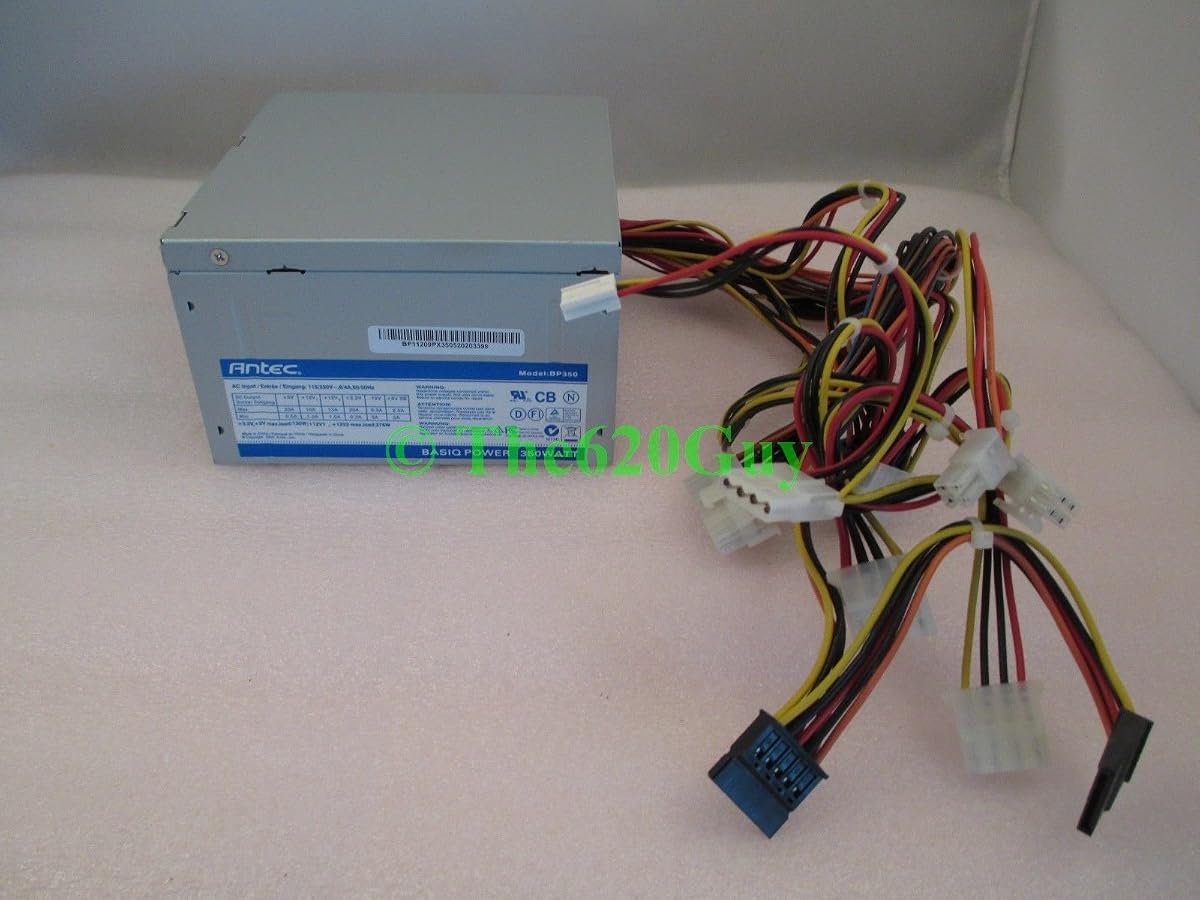
Antec brings decades of experience to this Basiq power supply with perfect user reviews. It provides dependable power for entry-level builds at a reasonable cost.
We may earn a commission when you buy through this link, at no additional cost to you.
The 24/4-pin connector ensures compatibility with modern motherboards requiring split main power. Quality components from Antec offer stability for daily use tasks.
While it lacks modern efficiency labels, it remains a solid choice for basic systems. The design prioritizes function over flashy features keeping costs low.
Best for users upgrading old towers where budget is tight, this unit works reliably without complex demands. Check case dimensions to ensure fit before installing.
Antec is a long-standing name in PC power providing confidence in safety and durability.
The split pin design fits both older and newer motherboard power sockets effectively.
We may earn a commission when you buy through this link, at no additional cost to you.
This Antec unit features an 80mm fan optimized for quiet operation in small spaces. With a 4.5 rating it performs well for typical desktop workloads.
We may earn a commission when you buy through this link, at no additional cost to you.
ATX12V V2.01 standards ensure compatibility with a wide range of motherboards. The smaller fan size keeps noise down but may produce less airflow than larger units.
Ideal for office PCs or HTPCs where silence is valued over raw cooling power. Its reliability matches the Basiq series reputation for solid everyday performance.
Buyers seeking a quiet replacement should consider this model for basic systems. Confirm airflow needs match the smaller fan before finalizing your purchase online.
The 80mm fan is tuned to reduce noise levels for peaceful computing environments.
ATX12V V2.01 standards ensure broad compatibility with mainstream desktop motherboards.
We may earn a commission when you buy through this link, at no additional cost to you.
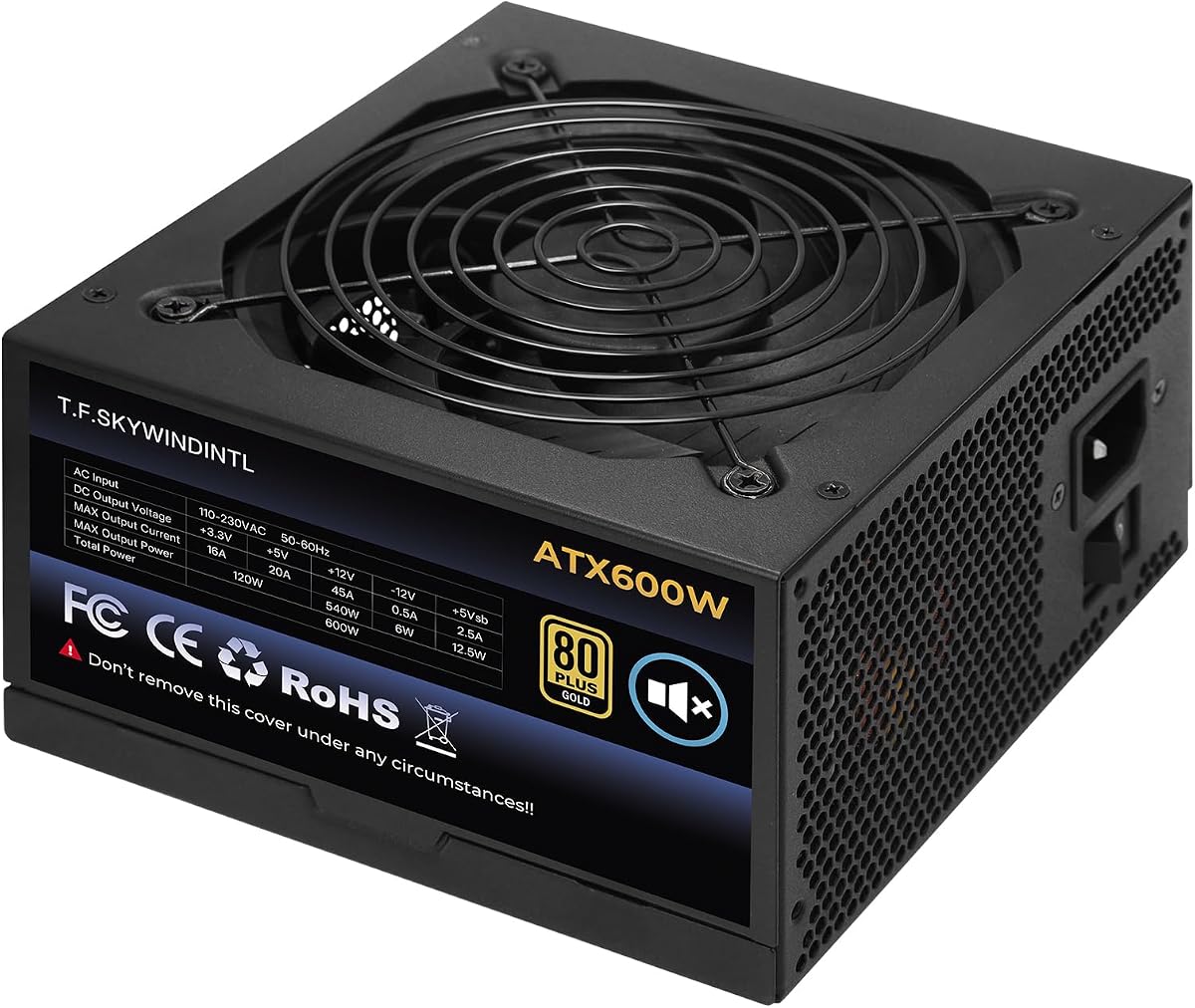
This 600W unit offers significant headroom for future upgrades and gaming GPUs. With a 5.0 rating it stands out as a high value premium option.
We may earn a commission when you buy through this link, at no additional cost to you.
80 PLUS Gold efficiency saves energy and reduces heat during intense gaming sessions. The 125mm FDB fan ensures near silent operation even under heavy load.
Active PFC adapts to unstable grid voltages improving system stability and longevity. Non modular cables are a minor trade off for the extra power capacity.
Ideal for gamers planning upgrades or those wanting ultra quiet performance, this PSU excels. It handles modern components well and ensures safe operation over time.
Extra wattage accommodates high end graphics cards and faster processors in the future.
Gold certification reduces power waste and lowers long term electricity bills.
We may earn a commission when you buy through this link, at no additional cost to you.
Selecting the correct power supply involves evaluating efficiency ratings, wattage needs, safety features, and form factors to match your specific PC build requirements and budget constraints.
Determine total system power needs by adding CPU and GPU TDP plus other components. Ensure the PSU rating exceeds this sum to allow for peak loads and future expansion.
For basic office PCs 350W is sufficient while light gaming may benefit from 500W for extra safety margins.
Look for 80 PLUS certification such as Bronze or Gold which indicates how much power converts from outlet to components without loss. Higher efficiency means less heat and lower electricity costs.
Choose Gold if available for better long term savings and reduced internal temperature during operation.
Verify whether your case needs standard ATX or compact Flex ATX or Mini ITX sizes. Incorrect dimensions prevent installation or block airflow inside the enclosure.
Smaller builds need smaller PSUs to avoid fit issues while standard towers work with most models.
Ensure the unit includes protections like OVP OCP and SCP to guard against power surges or short circuits. These features prevent hardware damage during unstable electrical conditions.
Prioritize brands that list these protections clearly in product descriptions.
Modular units allow you to connect only necessary cables reducing clutter and improving airflow. Non modular units have fixed cables that may bunch up in small cases.
For clean aesthetics and better cooling consider modular options if budget allows.
Reputable brands offer longer warranties such as three to five years showing confidence in reliability. This coverage protects your investment against early failures or defects.
Check warranty terms before buying to understand claim processes.
Large fans like 120mm generally run quieter than small 80mm fans at same speeds due to lower RPM needs for airflow. Look for thermal control features that adjust fan speed.
Choose silent models for office or media centers where noise matters.
Ensure the PSU has the needed connectors such as PCIe for GPUs or specific CPU power pins. Some units offer split pins to adapt to different motherboard requirements.
Verify all needed cables are present to avoid adapter costs.
Install the PSU securely in the case with screws to prevent vibration and ensure proper airflow. Connect the main motherboard and CPU power connectors firmly to avoid loose contacts.
Dust buildup can block airflow and cause overheating over time. Clean the PSU vents regularly using compressed air to maintain cooling performance and fan longevity.
Always shut down the system before connecting or disconnecting cables to prevent electrical shorts. Monitor system temperatures to ensure the PSU operates within safe thermal limits.
Yes for basic office and web browsing PCs a 350W unit is sufficient. For gaming systems with dedicated graphics cards you may need higher wattage for stability and performance.
It indicates the power supply meets at least 82 percent efficiency under typical loads. This certification ensures less energy is wasted as heat compared to non certified units.
Most quality units last five to ten years with normal use. Factors like heat dust and load levels affect lifespan significantly so proper maintenance is key.
Not always. Modern components may need higher wattage or specific connectors. Always check if the old unit supports your new hardware before reuse.
No it only provides available capacity. Power draw depends on components not the unit maximum unless you choose a more efficient model that reduces waste.
Excessive noise can be distracting especially in quiet rooms. Large fans with thermal control reduce noise by running slower when less cooling is needed.
Modular PSUs offer better cable management and airflow by letting you use only needed cables. They cost more but help keep cases tidy and cool.
Low cost units may lack safety features leading to system damage or fire risks. Invest in certified models to protect your expensive computer components effectively.
We reviewed ten reliable options ranging from budget friendly to premium choices. The Thermaltake and Antec models offer excellent value for standard ATX builds needing consistent power.
Prioritize efficiency ratings and safety features when selecting your unit. Choosing a model with proper protections ensures longevity and reduces risk to your PC components.
Remember that prices fluctuate and deals appear frequently online. Always check current listings before buying to ensure you get the best value for your budget today.