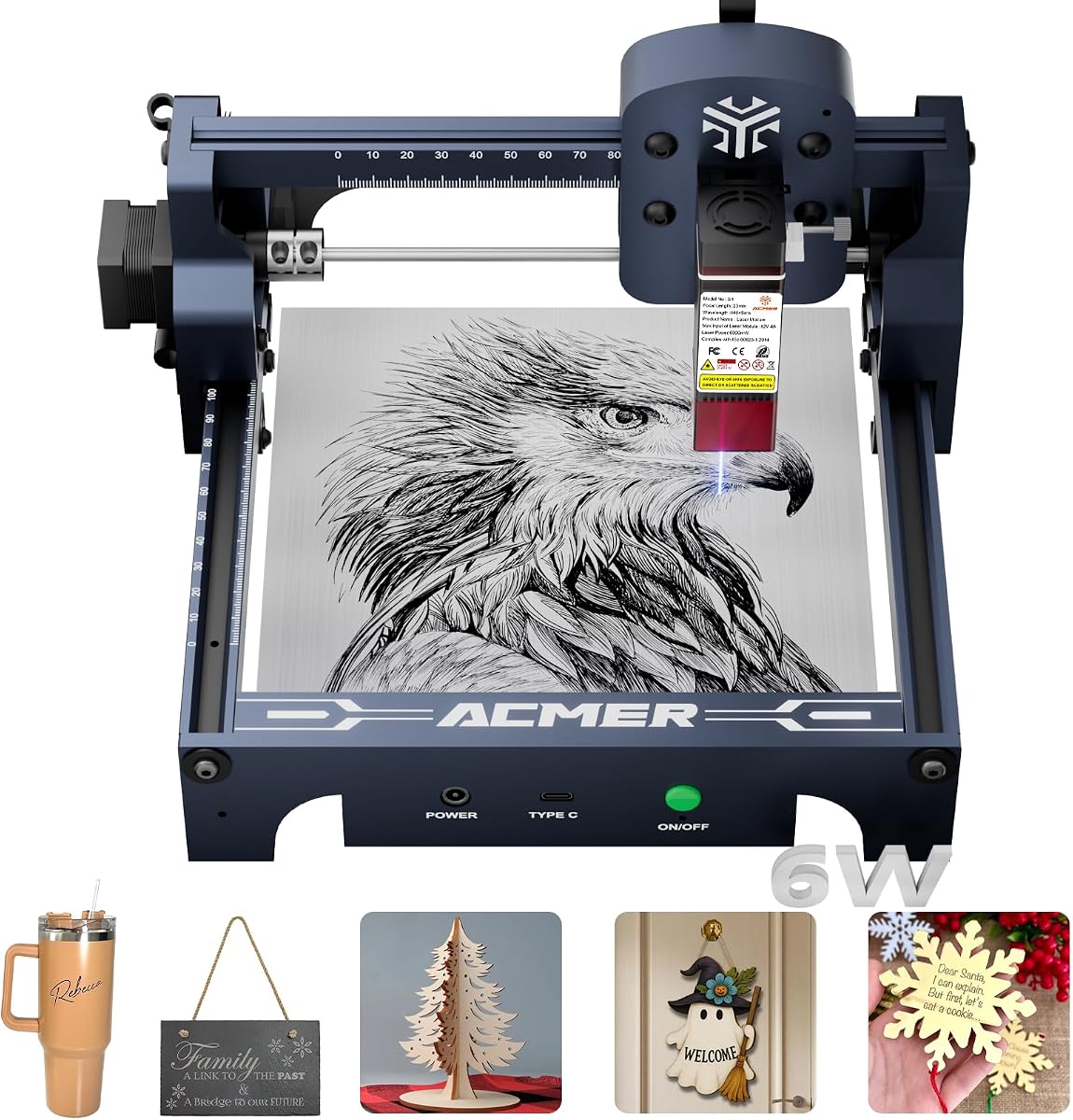
ACMER S1 Laser Engraver Machine
4.3Editor score
6000mW laser power
99 percent preassembled
Portable lightweight design
This guide compares the top Acmer laser engraver models to help you choose the right machine for precision cutting and engraving projects today.
Finding the right laser engraver can be challenging with so many options available on the market today. Acmer offers a range of powerful and precise machines suitable for hobbyists and professionals alike.
We have carefully reviewed ten top models based on performance, features, and user feedback to create this comprehensive list. Each product was evaluated for accuracy, power, safety, and ease of use.
Every pick highlights key strengths and ideal use cases to help you make an informed decision. Please note that product prices and availability may change over time.
4.3Editor score

4.4Editor score

5.0Editor score
The following table provides a side-by-side comparison of all ten reviewed Acmer laser engraver models to help you quickly identify key specifications and differences.



The ACMER S2 Laser Engraver stands out as a top choice for makers seeking precision and versatility. With a rating of 4.4 stars, users appreciate its robust 12W laser power and large workspace.
We may earn a commission when you buy through this link, at no additional cost to you.
Its 0.01mm positioning accuracy allows for fine details on intricate patterns and photos. The spacious 300 by 300mm area accommodates signs and multi-piece layouts easily.
While it does not include all accessories out of the box, the motion protection and anti-UV shield ensure safe operation. The compatibility with LightBurn adds flexibility for advanced users.
This machine is ideal for small businesses and hobbyists who need reliable performance. We recommend it as the best all-around option for most engraving needs.
The refined laser spot size helps reproduce intricate designs with clean results suitable for personalized gifts and signs.
Optional rotary modules and risers allow you to adapt the machine for cylindrical objects and taller workpieces as needed.
We may earn a commission when you buy through this link, at no additional cost to you.
This model of the ACMER S2 emphasizes ease of use with beginner-friendly software featuring AI tools. Users can turn text prompts into designs quickly without complex settings.
We may earn a commission when you buy through this link, at no additional cost to you.
The 32-bit chip enables engraving speeds up to 10000 mm per minute. Combined with a large workspace, it handles detailed graphics and larger projects efficiently.
The 0.01mm accuracy ensures that every engraving retains stunning detail. While the software is user-friendly, some users may need time to master the AI features.
Ideal for those who want to start creating immediately, this machine balances power and simplicity. It is a strong contender for DIY enthusiasts and small businesses.
Turn text prompts or photos into engraving designs with built-in AI tools to streamline your workflow.
Advanced chip technology ensures fast engraving speeds without sacrificing precision on intricate graphics.
We may earn a commission when you buy through this link, at no additional cost to you.
The ACMER S1 is an excellent entry-level option for those seeking an affordable laser engraver. It arrives 99 percent preassembled which simplifies setup significantly for beginners.
We may earn a commission when you buy through this link, at no additional cost to you.
Weighing only 2 kilograms, it is lightweight and portable making it easy to store in smaller spaces. The 6W laser handles wood leather and acrylic effectively for light projects.
With a compact 130 by 130mm workspace it is optimized for home use. While less powerful than the S2 it delivers reliable performance for DIY crafts.
This model is perfect for hobbyists starting out or those with limited space. We recommend it as the best budget choice for basic engraving tasks.
Arrives 99 percent preassembled with just one-minute laser head installation and no complex setup required.
Built from industrial-grade aluminum alloy the compact engraver is easy to carry and store when not in use.
We may earn a commission when you buy through this link, at no additional cost to you.
This version of the ACMER S2 focuses on safety features with motion-detection auto-pause to reduce accidental exposure. Users rate it highly for its reliable and secure operation.
We may earn a commission when you buy through this link, at no additional cost to you.
The spacious workspace allows for signs and small-business projects without constant repositioning. Precision engraving up to 0.01mm ensures sharp details on logos and personalized gifts.
While the 7W output is less powerful than the 12W model it handles many materials effectively. The included safety goggles and anti-UV shield provide peace of mind.
Suitable for home workshops and classrooms this machine prioritizes user safety. It is a great choice for those who value security alongside performance.
Motion-detection auto-pause helps reduce accidental laser exposure while you work in home workshops and studios.
The spacious working area gives you room for signs decorations gifts and small-business projects easily.
We may earn a commission when you buy through this link, at no additional cost to you.
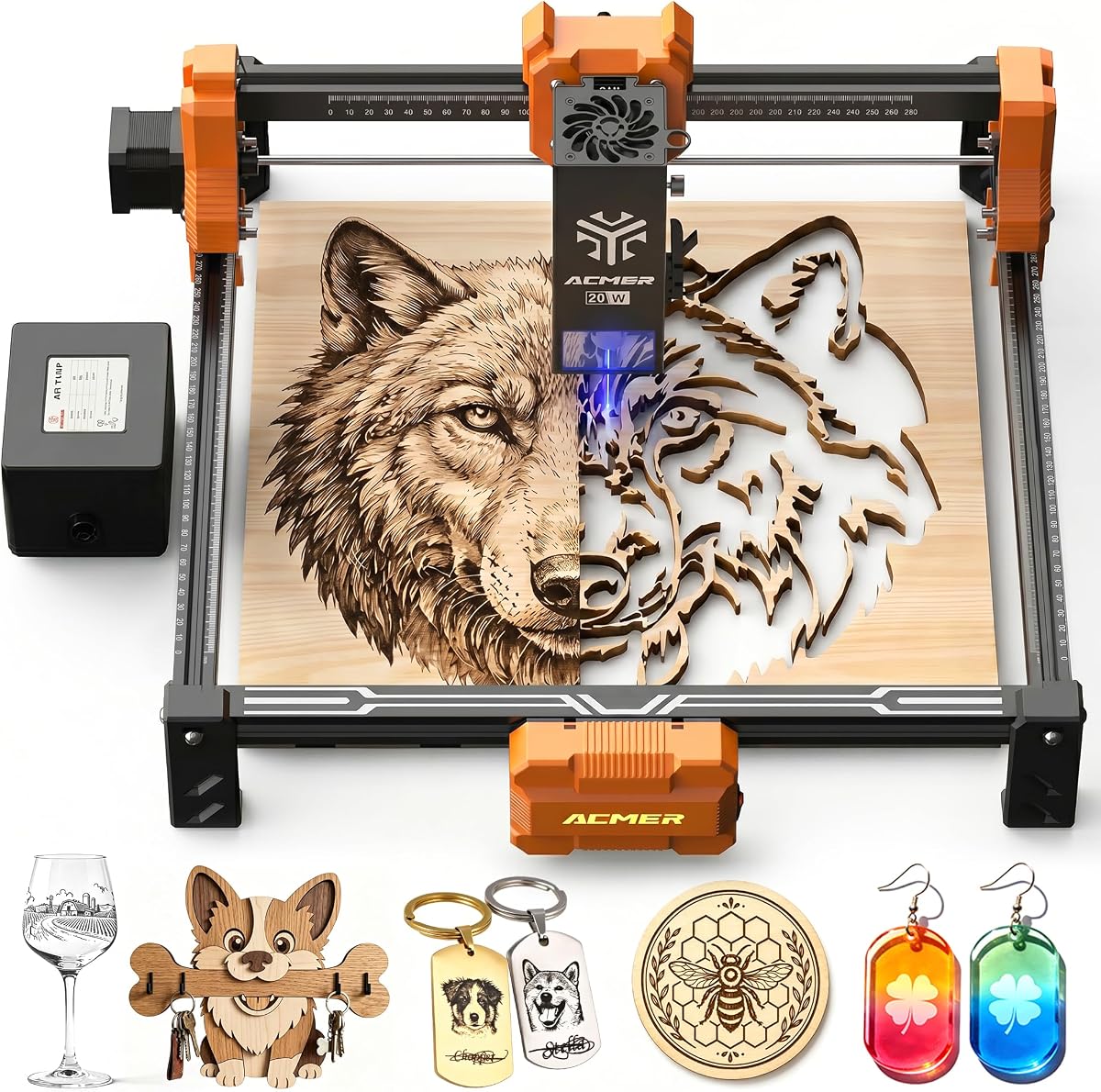
The ACMER P1 S Pro delivers serious power with a true 20W diode laser module. Its built-in air assist pump minimizes burn marks and smoke residue during cutting.
We may earn a commission when you buy through this link, at no additional cost to you.
The compressed 0.08mm laser spot produces sharp lines and clean details ideal for logos and complex artwork. Users praise the stability and efficiency for batch production.
With a module lifespan of 8000 hours it offers long-term value for frequent users. The safety features like limit switches prevent over-traveling of the laser head.
This machine is best for those needing strong cutting performance on wood and acrylic. It is a robust choice for professional and advanced DIY applications.
Includes a 25L per minute air assist pump that helps minimize burn marks and smoke residue during operation.
With engraving accuracy up to 0.01mm it produces sharp lines and smooth gradients for high-precision results.
We may earn a commission when you buy through this link, at no additional cost to you.
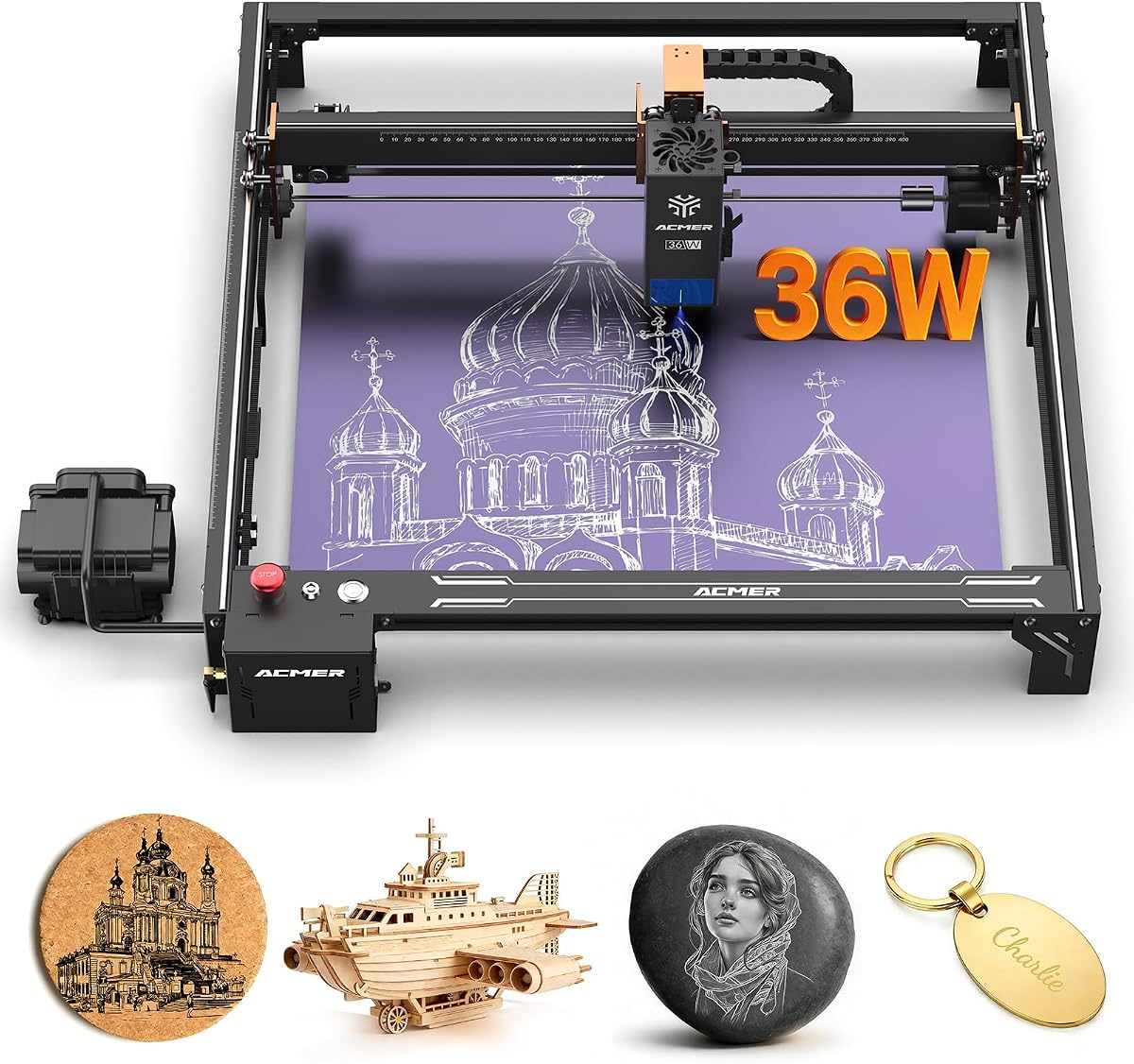
The Acmer S2 Pro is designed for stability and speed with dual linear rails and a 36W laser module. It is ideal for detailed designs and professional engraving projects.
We may earn a commission when you buy through this link, at no additional cost to you.
The built-in 30L air assist pump continuously clears smoke to improve edge quality. Users appreciate the large workspace which supports both small details and larger creative projects.
Advanced safety features like tilt protection and emergency stop enhance usability in small businesses. Wireless control options allow for convenient offline engraving.
This model is suitable for small businesses looking to monetize laser engraving. We recommend it for users who need industrial-level performance and speed.
Advanced dual linear rail system delivers significantly better stability than single-rail designs during high-speed engraving.
Supports WiFi TF card and USB PC connection allowing wireless control and convenient offline engraving capabilities.
We may earn a commission when you buy through this link, at no additional cost to you.
This 20W model offers a balance of power and precision suitable for deep cuts and detailed engraving. The air assist pump reduces burn marks and improves edge quality effectively.
We may earn a commission when you buy through this link, at no additional cost to you.
With a spot size of 0.09mm it produces clean lines and smooth gradients for photo engraving. The limit switches prevent the laser head from hitting the frame during operation.
It handles materials like wood acrylic leather and PCB boards well. Users rate it highly for its efficient and stable performance in professional applications.
Ideal for both DIY users and professionals this machine delivers reliable results. We recommend it for those seeking strong performance without a premium price tag.
Includes a 25L per minute air assist pump to reduce burn marks and improve cutting edge quality significantly.
Built-in limit switches help define the working area accurately and prevent head collisions during operation.
We may earn a commission when you buy through this link, at no additional cost to you.
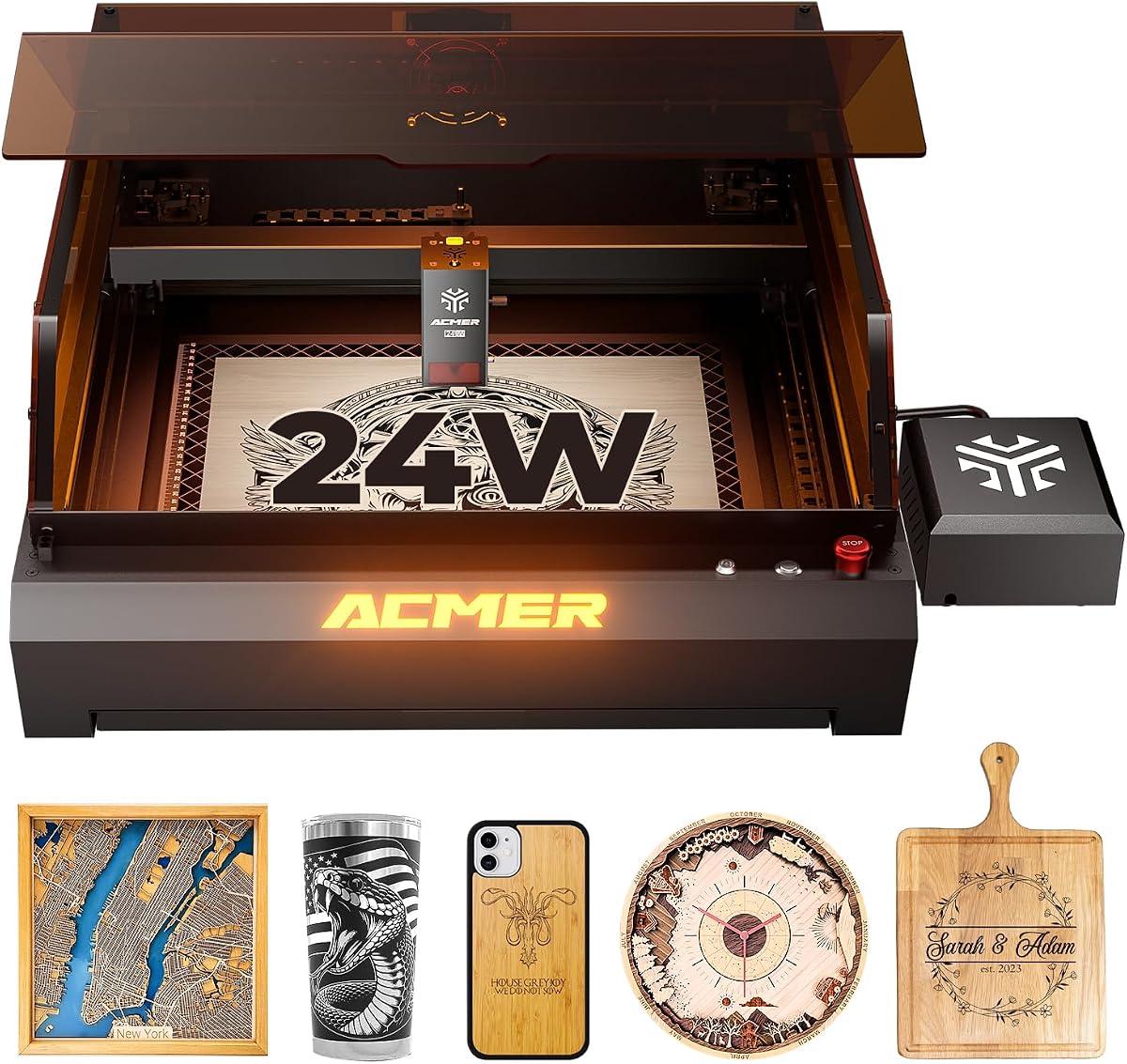
The ACMER P3 is a premium option with switchable dual laser output for versatile cutting and engraving. Its closed-box design reduces smoke and sound significantly.
We may earn a commission when you buy through this link, at no additional cost to you.
Safety features include automatic fire detection and over-temperature protection for peace of mind. The visual camera module makes positioning and engraving easy and precise.
It handles over 200 materials and offers robust durability with industrial-grade aluminum. The waste drawer and honeycomb plate simplify waste cleanup during projects.
Best for professionals needing top-tier performance and safety this machine is an investment. We recommend it for those prioritizing advanced features and reliability.
Delivers a robust 24W and 48W dual laser output to engrave and cut over 200 materials easily.
Equipped with a visual camera that makes it versatile and easy-to-use for any laser engraver machine user.
We may earn a commission when you buy through this link, at no additional cost to you.
This desktop version of the P3 features a closed laser engraving design that reduces smoke pollution and noise. It solves material compatibility issues with integrated laser switching.
We may earn a commission when you buy through this link, at no additional cost to you.
The CoreXY structure ensures high precision and speed down to 0.01mm. Aviation grade aluminum frame provides excellent stability and durability for long-term use.
Built-in camera module allows free dragging of engraving materials for easy positioning. Users appreciate the comprehensive safety protection design including flame detection and tilt protection.
Ideal for those wanting a safe and efficient workspace this model offers high value. We recommend it for professionals needing a closed safety system.
Closed box engraving machine reduces 90 percent smoke pollution and can block smoke and noise effectively.
Includes automatic fire detection over-temperature protection tilt protection power lock and emergency stop switch.
We may earn a commission when you buy through this link, at no additional cost to you.
The ACMER P1 S Pro 6W offers a surprisingly large workspace for its size and power. It supports WiFi USB and TF card for flexible and convenient operation.
We may earn a commission when you buy through this link, at no additional cost to you.
With a 0.06mm spot size it achieves engraving precision down to 0.01mm. The 380 by 370mm workspace provides plenty of room for large-scale designs.
It is certified under Class 1 laser safety standards with protective glasses included. Users appreciate the modular frame design that simplifies installation and maintenance.
This machine is ideal for DIY workshops and small business use needing space. We recommend it for users prioritizing area and connectivity over high power.
The 380 by 370mm workspace gives you plenty of room for large-scale designs and projects.
Data transfer is available through WiFi USB and TF card for flexible operation and remote access.
We may earn a commission when you buy through this link, at no additional cost to you.
Choosing the right laser engraver involves considering power, workspace, safety features, and compatibility. Use this guide to match your needs with the right model.
Laser power determines cutting depth and speed. Models range from 6W to 48W so choose higher wattage for thicker materials like wood or acrylic.
Higher wattage allows for faster and deeper cuts. If you plan on cutting more than engraving prioritize models with 20W or higher.
The workspace size dictates the maximum project dimensions you can handle without repositioning. Common sizes include 130mm 300mm and 400mm squares.
If you work on larger signs or multiple items choose a larger workspace to save time and effort.
Safety is critical when working with lasers. Look for features like anti-UV shields protective goggles motion detection and closed-box designs.
Closed-box systems reduce smoke and noise which is beneficial for home or classroom environments.
Check if the machine works with software you prefer like ACMER Studio LightBurn or LaserGRBL. Some models include AI tools for design simplification.
Compatibility with industry standards like LightBurn ensures flexibility and advanced features for your workflow.
Engraving speed affects productivity while precision affects detail quality. Most models offer 0.01mm accuracy but speed varies by chip and motor.
Look for machines with fast engraving speeds if you plan on batch production or high-volume projects.
Modern machines offer WiFi USB and TF card options for flexible control. Wireless options allow offline operation which can be convenient.
Choose connectivity options that fit your workspace setup and workflow needs.
If you need to move the machine often choose a lightweight model. Build quality affects stability and vibration during operation.
Models with dual linear rails or aluminum frames provide better stability for professional results.
Prices vary significantly from budget to premium models. Consider the total cost including accessories like rotary modules and air assist pumps.
Invest in a model that offers the features you need most to get the best long-term value.
Set up the machine on a flat and stable surface with proper ventilation. Ensure all cables are connected securely and safety goggles are worn before operation.
Use the software to prepare designs and adjust settings for the material being used. Test on small scraps before starting full projects to ensure accuracy.
Regularly clean the lens and rails to maintain performance. Store the machine in a dry place and cover it to prevent dust accumulation.
These machines can engrave a wide variety of materials including wood leather acrylic paper bamboo and coated metals. Avoid engraving reflective metals or PVC as it can damage the laser or be hazardous.
Yes many models include safety features like protective shields and auto-pause systems. Always use protective eyewear and ensure proper ventilation during operation.
Most ACMER engravers are compatible with LightBurn software. Check the specific product description to confirm compatibility with your preferred software.
Use a soft lint-free cloth and isopropyl alcohol to gently clean the lens. Avoid touching it with bare fingers to prevent oil transfer.
Air assist helps reduce burn marks and improves cut quality. Some models include it built-in while others offer it as an optional accessory.
Most models come with a 12-month warranty covering manufacturing defects. Check the product page for specific terms and customer support options.
We reviewed ten excellent models ranging from budget-friendly options to premium machines with advanced features. The ACMER S2 stands out for its balance of power and usability.
Prioritize safety and compatibility when making your decision. Choose a machine that fits your project size and material needs best.
Remember to check current prices and availability before purchasing. This guide will help you select the right tool for your creative goals.