
Dell Optiplex 3050 SFF Desktop
4.2Editor score
Intel Quad Core i5 CPU
16GB DDR4 RAM Capacity
256GB SSD Boot Drive
This guide compares ten top-rated desktop PCs for teens focusing on performance, value, and features suitable for gaming, school, and creative work.
Finding the right desktop PC for teens requires balancing performance, durability, and value. Teens need machines that can handle demanding homework tasks, creative projects, and casual gaming without breaking the bank. A well-chosen desktop ensures smooth multitasking and long-term reliability for growing digital needs.
We evaluated ten renewed and prebuilt desktop computers based on processor power, memory capacity, storage speed, and connectivity options. Our comparison highlights models that offer the best mix of raw performance and everyday usability for student workloads and entertainment. Each entry includes verified specifications and user ratings to help you decide.
Every pick in this list showcases specific strengths like compact size, high-speed SSD storage, or dedicated graphics capabilities. Note that availability and pricing fluctuate frequently so always check current offers before purchasing. Use this guide to find a machine that grows with your teen from schoolwork to advanced hobbies.
4.2Editor score

4.0Editor score

4.1Editor score
This side-by-side comparison outlines key specifications for all ten selected desktop computers. It helps you quickly identify which model offers the right processor, memory, and storage configuration for your specific requirements.

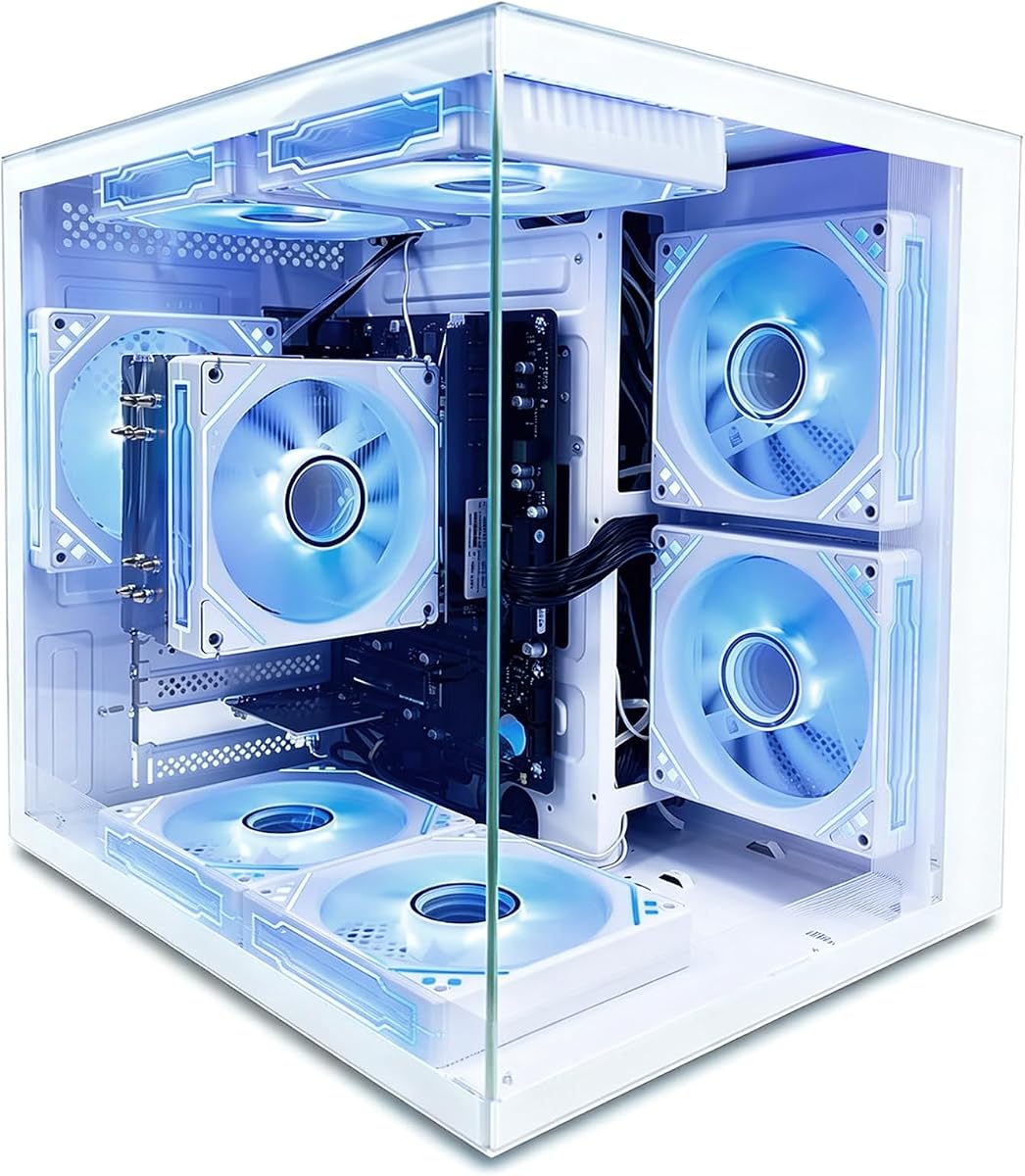



This desktop delivers strong performance through an 8th Gen 7 processor and exceptional memory capacity. It stands out for its ability to handle multiple browser tabs, video editing software, and research tasks simultaneously without lag. The included wireless peripherals simplify setup for new users.
We may earn a commission when you buy through this link, at no additional cost to you.
The 32GB of RAM ensures that even the most demanding student projects run smoothly. Paired with a 512GB NVMe SSD, the system boots Windows 11 Pro in seconds and loads applications instantly. This speed is crucial for teens who need to switch between learning platforms and entertainment apps quickly.
While it lacks a dedicated graphics card, the integrated Intel HD graphics handle casual gaming and media playback effectively. The small form factor design means it fits easily on crowded desks or shelves without sacrificing internal airflow. Upgrades are possible but require careful selection of low-profile components.
This model is ideal for teens who prioritize productivity and multitasking over high-end gaming. Parents seeking a reliable workstation for homework and creative software will find this configuration offers excellent long-term value. Check current listings for the best deal on this robust machine.
The NVMe storage and high RAM allow seamless switching between virtual classrooms, document editors, and communication tools.
Its compact tower fits neatly on a desk corner while still offering ports for multiple displays and peripherals.
We may earn a commission when you buy through this link, at no additional cost to you.
This bundle offers a complete desktop experience right out of the box with a monitor and productivity accessories. It serves well as an entry-level system for basic schoolwork and media consumption without requiring extra purchases. The refurbished process ensures it works reliably while keeping costs down.
We may earn a commission when you buy through this link, at no additional cost to you.
The 500GB hard drive provides ample space for storing photos, documents, and installed programs. While not as fast as a solid-state drive, it is sufficient for standard file access tasks. The included 20-inch monitor eliminates the need to source a display separately.
Performance may lag during heavy multitasking due to the older 8GB DDR3 RAM and HDD storage. However, for light web browsing, word processing, and video streaming, it remains stable. The system includes modern Windows 11 Pro software despite older hardware foundations.
Buyers should consider this if budget constraints are tight and screen space is a priority. It is a practical choice for teens focusing on core subjects rather than graphic-intensive tasks. Always verify warranty terms when purchasing renewed hardware.
Receiving the monitor and PC together simplifies setup and ensures compatibility between components from day one.
Lower hardware generations keep the price low while still delivering capable performance for everyday digital needs.
We may earn a commission when you buy through this link, at no additional cost to you.
This system stands out for its powerful AMD processor which includes integrated graphics capable of casual gaming. Teens who want to play older or less demanding titles without a separate graphics card will appreciate this feature. The Wi-Fi 6 ensures reliable connections for streaming and online classes.
We may earn a commission when you buy through this link, at no additional cost to you.
The 16GB of RAM supports smooth multitasking across different educational and entertainment applications. Boot times are fast thanks to the included 256GB solid-state drive. The chassis includes RGB fans that add a modern aesthetic appeal to any gaming or study setup.
Storage is limited compared to other options on this list so external drives may be needed for large media files. The system allows future upgrades which helps extend its useful life. Overall it balances performance and cost effectively for younger users.
Recommend this model for teens interested in light gaming and future expansion possibilities. It is a strong contender for those who want a ready-to-play system without custom assembly. Verify current compatibility with specific game titles before buying.
The Radeon RX Vega graphics allow for playable frame rates in popular esports and casual titles.
Wi-Fi 6 delivers faster wireless speeds and lower latency for uninterrupted online experiences.
We may earn a commission when you buy through this link, at no additional cost to you.
This small form factor desktop delivers robust performance in a minimal footprint suitable for tight spaces. The 512GB NVMe drive ensures rapid boot times and instant file access for students rushing between classes. It handles general productivity tasks with ease and efficiency.
We may earn a commission when you buy through this link, at no additional cost to you.
The 16GB RAM capacity supports multiple applications running simultaneously without slowdown. While the processor is older than some other models, it still provides sufficient power for daily computing needs. The business class chassis ensures durability and longevity over time.
Expansion options are limited due to the compact design so internal upgrades require careful component selection. However, for most users the included configuration is more than adequate. The included wired peripherals offer a reliable connection for immediate setup.
Ideal for teens who need a tidy desk setup without sacrificing core performance. It suits users who value speed and stability over flashy aesthetics or massive gaming capabilities. Check the refurbished warranty details for peace of mind.
The slim case allows placement on a bookshelf or under a monitor without cluttering the workspace.
Built for enterprise environments this desktop offers the stability required for critical schoolwork.
We may earn a commission when you buy through this link, at no additional cost to you.
This bundle targets users who want style and substance with its RGB lighting and included monitor. The 24-inch screen provides ample real estate for multitasking and media viewing. It simplifies setup by providing essential peripherals and system software immediately.
We may earn a commission when you buy through this link, at no additional cost to you.
The 16GB RAM and 512GB SSD ensure the system handles common tasks quickly and smoothly. The Intel Core i7 processor offers reliable performance for daily workloads. Although it lacks a dedicated GPU, the integrated graphics are sufficient for basic entertainment.
The RGB panel allows customization to match personal tastes which teens often appreciate. However, gaming performance is restricted to casual titles due to the lack of a discrete graphics card. This makes it better suited for general use than serious gaming.
Choose this option if visual appeal and complete package delivery are top priorities. It works well for students needing a stylish workstation that looks good on a desk. Always inspect the refurbished unit for any cosmetic wear upon arrival.
RGB lighting lets users change colors and effects to personalize their desk environment.
Monitor keyboard mouse and headset included means no extra shopping is needed before starting.
We may earn a commission when you buy through this link, at no additional cost to you.
This model offers significant value with 16GB of RAM and a fast solid-state drive at a low price. It supports dual 4K displays making it a strong choice for creative students needing screen real estate. The included WiFi adapter ensures instant connectivity without extra cables.
We may earn a commission when you buy through this link, at no additional cost to you.
The 256GB SSD provides quick system responsiveness despite its smaller size. This is adequate for essential apps and documents though large media files may need external storage. The processor delivers consistent performance for standard school applications.
The small form factor case saves desk space while still offering necessary ports for connectivity. Setup is straightforward and the system supports modern Windows 11 features. It represents a balanced choice for budget-conscious buyers seeking speed.
Recommended for students who need multi-monitor support for research or media editing. It is a smart pick for those who prioritize speed and display options over raw processing power. Check the seller warranty for added protection.
DisplayPort and HDMI inputs allow connecting two 4K monitors for enhanced productivity.
The SSD ensures the computer starts and loads apps quickly saving time for learning.
We may earn a commission when you buy through this link, at no additional cost to you.
This desktop excels with its massive 1TB solid-state drive which removes storage concerns for heavy users. It allows storing large project files and media without external drives. The 32GB RAM ensures high performance during complex multitasking sessions.
We may earn a commission when you buy through this link, at no additional cost to you.
The 8th Gen i5 processor provides reliable speed for daily tasks and light creative work. Bluetooth support adds convenience for connecting wireless mice or headsets without dongles. The system is ready for modern workflows out of the box.
While it lacks a dedicated graphics card the integrated graphics are sufficient for general use. The high RAM count makes this machine future-proof for software updates. It is a robust solution for teens with heavy storage needs.
Select this unit if having ample fast storage is a priority for your teen. It suits users who work with large datasets or video projects regularly. Ensure the warranty covers the hardware components fully.
The 1TB SSD holds hundreds of gigabytes of data without slowing down access times.
Built-in Bluetooth enables easy pairing with accessories for a clutter free setup.
We may earn a commission when you buy through this link, at no additional cost to you.
This desktop brings dedicated gaming graphics to a prebuilt bundle which is rare for this price range. The GT 1030 allows teens to play popular esports titles like Dota 2 or CS:GO at decent settings. The included monitor and headset complete the experience immediately.
We may earn a commission when you buy through this link, at no additional cost to you.
The system is tuned for responsive gameplay with a solid-state drive and 16GB RAM. RGB lighting adds a fun visual element that appeals to younger users. It provides a solid entry point into PC gaming without building from scratch.
Modern AAA titles will require lower settings due to the entry level GPU. However for competitive online games it performs surprisingly well. The refurbished status offers significant savings compared to new gaming rigs.
Buy this if your teen wants to start gaming without a high-end budget. It balances casual play with schoolwork capabilities effectively. Verify the exact condition of the GPU when it arrives.
The dedicated graphics card enables smooth frame rates for competitive online shooters.
Everything needed to play is included reducing setup time and extra costs.
We may earn a commission when you buy through this link, at no additional cost to you.
This machine represents the peak of performance in this list with an 8-core processor and modern connectivity. The WiFi 6E ensures ultra-fast wireless speeds for streaming and downloading. It handles intensive workloads like 3D rendering or video editing with confidence.
We may earn a commission when you buy through this link, at no additional cost to you.
The 1TB NVMe drive offers incredible speed and capacity combined for a seamless experience. 32GB of RAM means virtually no slowdowns during heavy usage. This desktop is built to handle years of technological demands.
While it lacks a dedicated graphics card the CPU power is exceptional for general computing. The wireless keyboard and mouse provide a clean desktop setup. It is the ideal choice for power users who prioritize speed.
Choose this model for teens planning advanced creative careers or heavy multitasking. It justifies the cost with top-tier components and future-proofing. Check the seller warranty for long-term support.
WiFi 6E provides low latency connections essential for real-time communication and large downloads.
The 8 core CPU delivers sustained performance for demanding professional applications.
We may earn a commission when you buy through this link, at no additional cost to you.
This desktop offers a balanced specification set at an attractive price point for general users. The 512GB SSD ensures quick boot times and responsive daily operation. It handles typical student tasks and media consumption efficiently.
We may earn a commission when you buy through this link, at no additional cost to you.
Built-in Bluetooth adds convenience for connecting peripherals wirelessly without adapters. The 16GB RAM supports smooth multi-tasking for most common software. While the processor is older it remains capable for essential workflows.
Windows 11 Pro is preinstalled ensuring you have the latest security features. The design fits well in home offices or study rooms. It is a dependable choice for families seeking a standard computer.
Opt for this model if you need a reliable machine without high-end specifications. It works well for standard office work and casual browsing. Verify the refurbished condition before finalizing your purchase.
The configuration covers all standard student needs without unnecessary complexity.
Bluetooth support simplifies pairing with accessories for a cleaner desk setup.
We may earn a commission when you buy through this link, at no additional cost to you.
Choosing the right desktop involves balancing budget constraints with performance requirements. This section breaks down the critical factors to evaluate before making a purchase.
The CPU acts as the brain of the computer determining how well it handles multiple tasks. For teens focusing on schoolwork, a modern Intel i5 or i7 provides sufficient power. For heavier creative work consider processors with higher core counts to ensure smooth rendering.
Prioritize newer generations of processors for better efficiency and longevity.
RAM is essential for multitasking between web browsers and applications. 16GB is a practical minimum for modern usage to prevent slowdowns. 32GB offers extra headroom for demanding software and ensures the system stays fast over years.
Always check if the system supports future upgrades if you buy less memory now.
Solid-state drives are crucial for fast boot times and quick file access. HDDs are cheaper but much slower so avoid them as the primary drive if possible. A capacity of at least 512GB ensures ample room for documents and media.
Look for systems offering both SSD speed and expansion options for future needs.
Integrated graphics are adequate for basic computing and video playback. Dedicated graphics cards are necessary for gaming or 3D rendering work. If gaming is a priority ensure the system supports adding a card or includes one.
Verify physical space inside the case if you plan to upgrade the graphics later.
Modern PCs should include USB 3.0 or 3.1 ports for fast data transfer. Having multiple display outputs allows connecting more than one monitor for better productivity. Built-in Wi-Fi and Bluetooth are now standard expectations for wireless freedom.
Check the rear and front panel layout to ensure you have enough ports for peripherals.
Windows 11 Pro offers professional features and better security than home versions. It is the standard for most school software compatibility. Ensure the system comes with a legitimate license to avoid activation issues.
A clean installation without bloatware improves performance and user experience.
Small form factor towers save desk space but may limit expansion options. Full tower cases allow easier upgrades but take up more room. Consider where the PC will sit to choose the right case shape.
Look for designs with good airflow to maintain cool operating temperatures.
Refurbished units often come with limited warranties compared to new hardware. Verify the seller's reputation and return policy before purchasing. A reliable warranty provides peace of mind for any potential hardware issues.
Technical support availability is vital for resolving software or connection problems quickly.
Set up your new desktop on a stable, flat surface near a power outlet. Connect the monitor and peripherals before powering on to ensure proper initialization. Install necessary software and run initial system updates for security.
Organize files into clear folders and enable automatic backups to cloud storage. This prevents data loss and keeps the drive clutter-free for better performance. Use the task view to manage multiple windows efficiently during study sessions.
Keep the system clean by using compressed air on vents every few months. Ensure the room has enough airflow to keep internal temperatures low. Monitor system health using built-in tools to catch potential issues early.
Yes many models support casual gaming using integrated graphics. For higher performance consider adding a dedicated card to compatible systems. Check specific game requirements before purchasing to ensure smooth play.
Absolutely all recommended systems support HD video conferencing and multitasking. They provide enough processing power to run webcams and browsers simultaneously without lag. Ensure you have a reliable internet connection for the best experience.
Most business desktops allow RAM upgrades if slots are available. Check the motherboard specifications to verify maximum capacity limits. Adding more memory is a cost-effective way to improve performance later.
SSDs boot the system and load apps significantly faster than hard drives. They also make the computer more responsive for everyday tasks. This speed saves time during study sessions and improves overall efficiency.
Some bundles include a monitor but most do not. Always check the product listing to see if a screen is part of the deal. If not you must purchase a compatible display separately.
Windows 11 Pro offers better security features and remote access tools. It is compatible with almost all standard educational software. Home users can benefit from its professional capabilities without extra cost.
Regularly clean dust from vents and update software for security. Keep the system cool to prevent overheating during long sessions. Organize files to prevent the drive from becoming cluttered.
Certified refurbished PCs undergo testing to meet functional standards. They are often significantly cheaper than new units. Always check the warranty length and return policy before purchasing.
This guide highlights ten solid options ranging from affordable entry-level models to high-performance workstations. The DELL Optiplex 7060 stands out for its massive RAM and speed. Other picks offer specific strengths like gaming bundles or compact designs.
Prioritize memory and storage type to ensure the system handles schoolwork efficiently. A fast SSD and ample RAM make the biggest difference in daily usability. Consider future expansion options to extend the PC's useful life.
Prices and availability change frequently so verify current listings before committing. Check warranty terms carefully especially when buying refurbished hardware. This investment will support your teen's learning and creative pursuits for years.