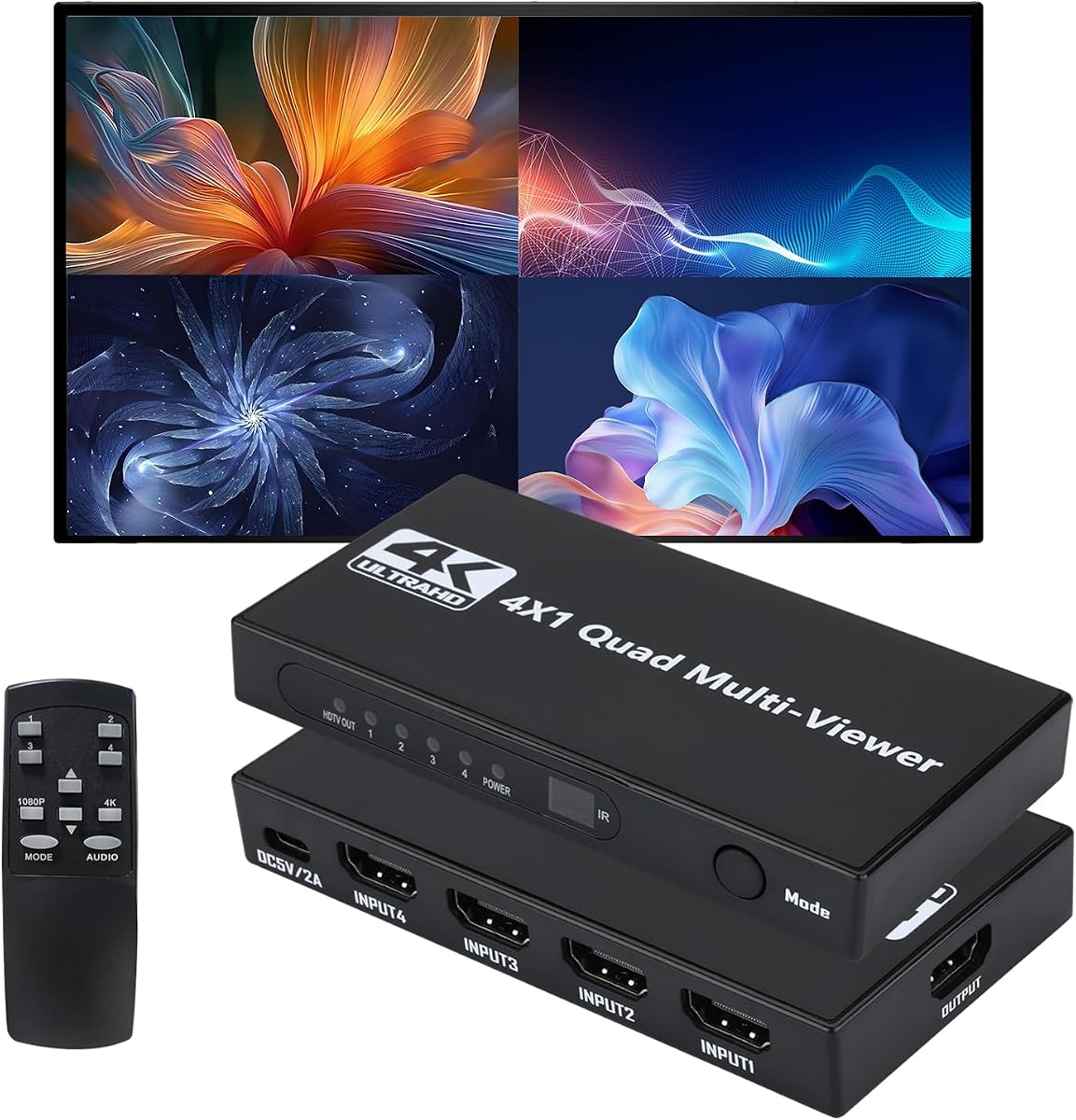
HDMI Multiviewer Switch
4.8Editor score
Twelve display modes
Affordable price point
IR remote included
This guide compares the top 10 HDMI Multiviewer models for seamless switching and multi-display setups to help you choose the right hardware.
Finding the right HDMI Multiviewer helps you display multiple sources on one screen without constant switching. These devices support various resolutions and offer flexible layout modes for monitoring or entertainment.
We evaluated ten top-rated models based on resolution support, switching speed, audio options, and reliability. Each unit was assessed for real-world performance and ease of setup in professional and home environments.
Every review highlights key strengths, limitations, and ideal use cases. Prices change frequently so check the latest offers before buying to ensure you get the best value for your specific needs.
4.8Editor score

4.3Editor score

4.2Editor score
The table below compares key specifications across all ten HDMI Multiviewer models to help you identify the best fit for your resolution and connectivity requirements.


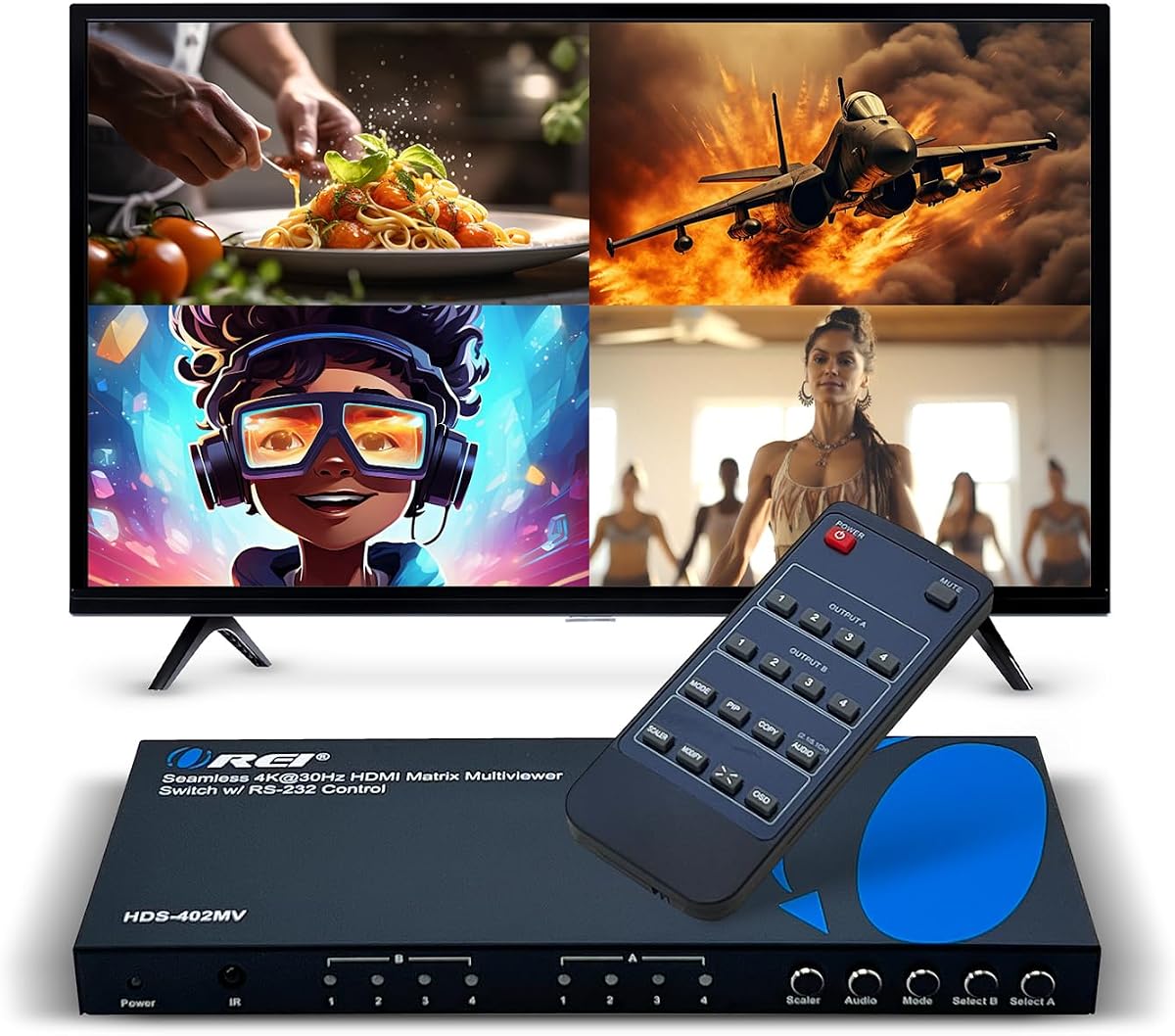


The PORTTA Quad Multi Viewer leads our list with solid performance for 1080p setups. It delivers seamless switching and offers six different viewing modes that suit both monitoring and entertainment needs.
We may earn a commission when you buy through this link, at no additional cost to you.
Its ability to maintain high refresh rates during switching makes it ideal for gaming or live feeds. The included remote and Toslink output add convenience without requiring extra hardware purchases.
While it does not support 4K resolution, the 1080p performance is stable and sharp. The lack of a metal case may worry some but it remains functional for most environments.
This model is best for users wanting a reliable switch without overspending. It balances features and cost effectively for home offices or small security setups.
Six modes let you choose between full screen, split views, or picture-in-picture for customized monitoring.
Both Toslink and 3.5mm outputs ensure sound compatibility with most receivers and speakers.
We may earn a commission when you buy through this link, at no additional cost to you.
OREI provides a budget-friendly option that includes VGA output for older monitors. It offers five display modes and works well for basic switching tasks.
We may earn a commission when you buy through this link, at no additional cost to you.
The inclusion of front panel buttons and an IR remote gives users multiple ways to control inputs. It is easy to set up and requires no software drivers.
Using HDMI 1.4 limits it to 1080p which might be insufficient for newer 4K setups. However, for legacy equipment it remains a solid choice.
Buy this if you need VGA output on a budget. It suits older office setups or simple security monitoring systems.
The VGA output ensures compatibility with older displays that do not accept HDMI signals.
Front buttons and remote allow quick switching without reaching behind the device.
We may earn a commission when you buy through this link, at no additional cost to you.
OREI delivers a switch that supports 4K at 30Hz for sharper image quality. It includes RS-232 control for integration into larger automation systems.
We may earn a commission when you buy through this link, at no additional cost to you.
Audio extraction supports high-quality formats like Dolby TrueHD which enhances multimedia viewing. The device offers five display modes and includes mounting hardware for rack use.
While more expensive, the control options justify the cost for commercial installs. It does not reach 60Hz for 4K which limits fast-paced gaming use.
Choose this if you need 4K and RS-232. It fits well in professional monitoring or advanced home theater applications.
RS-232 support allows integration with control systems for automated switching setups.
Support for Dolby TrueHD ensures sound matches high-resolution video output.
We may earn a commission when you buy through this link, at no additional cost to you.
OREI allows two screens to display inputs simultaneously which doubles your visibility. It supports 4K downscaling and includes OSD controls for layout management.
We may earn a commission when you buy through this link, at no additional cost to you.
The high user rating suggests reliable performance across various scenarios. Mounting brackets make it suitable for wall installations in control rooms.
It is pricier than single-output models but the dual screen capability is rare. Setup may require more configuration for matching displays.
Use this if you need two screens for monitoring. It is excellent for security rooms or trading floors.
Two outputs let you mirror or split views across separate displays effectively.
On-Screen Display menus allow easy changes to image settings and layout.
We may earn a commission when you buy through this link, at no additional cost to you.
OREI offers high refresh rate 4K support for smooth video playback and gaming. It includes HDCP 2.2 for better content protection compliance.
We may earn a commission when you buy through this link, at no additional cost to you.
The optical output and RS-232 provide professional connectivity options for complex systems. EDID helps avoid resolution handshake issues with certain sources.
Higher cost and slightly lower user rating suggest mixed experiences. Some users may find setup tricky with specific sources.
Buy this if 4K 60Hz is required. It fits professional media or high-end gaming setups.
60Hz support ensures fluid motion for gaming and dynamic video content.
HDCP 2.2 compliance ensures compatibility with protected streaming content.
We may earn a commission when you buy through this link, at no additional cost to you.
This model brings 4K 60Hz to a mid-range price point for better value. It offers eight viewing modes and includes an IR remote for easy control.
We may earn a commission when you buy through this link, at no additional cost to you.
Users report decent performance though the lower rating suggests some inconsistency. It works well for general use without requiring advanced features.
The lower rating means reliability could vary between units. It lacks advanced control options like RS-232 for integration.
Select this if you need 4K at a reasonable cost. It is a good balance for average users.
Eight modes provide options for every layout need from full screen to split views.
Plug and play functionality means no drivers or software configuration needed.
We may earn a commission when you buy through this link, at no additional cost to you.
This budget-friendly switch earns the highest user rating with twelve display modes. It supports multiple operating systems and delivers solid 1080p performance.
We may earn a commission when you buy through this link, at no additional cost to you.
The large number of modes allows for creative layouts. It works on Linux, Unix and macOS without requiring extra drivers for setup.
The remote needs batteries which are not included. It is restricted to 1080p which limits use with newer high-resolution screens.
Pick this for affordable high reliability. It suits small businesses or home use needing many layouts.
Broad OS support means it works with almost any computer without drivers.
Twelve modes give you maximum flexibility for how to split the screen.
We may earn a commission when you buy through this link, at no additional cost to you.
J-Tech focuses on audio with RCA output for external amplifiers. It supports 4K 60Hz and includes an OSD for layout adjustments.
We may earn a commission when you buy through this link, at no additional cost to you.
The eight display modes offer flexibility for professional environments. Mounting hardware allows secure installation on desks or walls.
The lowest rating on the list suggests reliability issues. The high price may not be worth it given the performance reports.
Choose if audio extraction is critical. It may be worth considering discounts or alternatives first.
RCA outputs let you connect directly to amplifiers for better sound quality.
On-Screen Display helps adjust PiP size and layout without software.
We may earn a commission when you buy through this link, at no additional cost to you.
OREI offers solid stereo audio output via 3.5mm for easier speaker connections. It matches the VGA model with similar features and better ratings.
We may earn a commission when you buy through this link, at no additional cost to you.
The unit supports 1080p with fast switching. It includes dual voltage support for international travelers or users with different power standards.
Lack of 4K limits future-proofing compared to other models. It remains reliable for current 1080p setups though.
Buy if 3.5mm audio matters to you. It is great for home or office use.
3.5mm output means you can use standard audio cables for sound.
Dual voltage support means it works with plugs in different countries.
We may earn a commission when you buy through this link, at no additional cost to you.
J-Tech provides a full 4×4 matrix for routing any input to any output. It includes LAN and web control for remote management in large systems.
We may earn a commission when you buy through this link, at no additional cost to you.
Ten video wall modes and support for multiple resolutions make it versatile for professional installations. The device also includes lifetime technical support.
The high cost and complexity mean it is only for specific use cases. It is not meant for simple home use or small offices.
Invest in this if you need full control. It suits large control rooms and professional video walls.
Four by four routing lets you direct any source to any display freely.
LAN and web interface allow management from anywhere on the network.
We may earn a commission when you buy through this link, at no additional cost to you.
Choosing the right HDMI Multiviewer depends on your resolution needs, number of outputs, and desired control options.
Check whether the model supports 1080p or 4K resolution. For gaming and new displays, 4K at 60Hz is ideal.
Ensure the resolution matches your monitor and source devices for the best image quality.
Most units support four inputs but some offer more for larger setups. Pick the number that fits all your devices.
Four inputs are standard for home and small office environments.
Look for Toslink, RCA, or 3.5mm outputs depending on your speaker system. Some models offer both digital and analog options.
Audio extraction ensures sound works even when split across multiple views.
Options include IR remote, front buttons, or RS-232 for automation. Choose what fits your workflow.
Remote control adds convenience for home use.
Most units output to one screen but dual output models exist. Two outputs allow monitoring on separate displays.
Single output is sufficient for most personal needs.
Models with video wall modes offer layouts like 2×2 or 1×4. This helps with organizing multiple sources.
More modes provide flexibility for different tasks.
Prices range from budget to premium depending on features. Decide how much you are willing to spend.
Higher cost does not always mean better performance for your use case.
Check warranty duration and technical support availability. Lifetime support adds value for long-term use.
A good warranty protects your investment from defects.
Connect all HDMI sources to the input ports and plug the output into your monitor. Ensure power is connected before turning on the device.
Use the remote or front buttons to switch between inputs. Use the menu to change view modes like split or picture-in-picture.
Keep the device in a ventilated space to avoid overheating. Dust off ports regularly for secure connections.
An HDMI Multiviewer lets you display multiple HDMI sources on one screen at once. It is common for monitoring security feeds or gaming setups.
Some models support 4K at 30Hz or 60Hz. Check specs to ensure it matches your display's refresh rate and resolution needs.
Some units include VGA output for older monitors without HDMI ports. Otherwise you may need a converter.
Yes, every model requires a power adapter. Most come with one included in the package.
Typically up to four views are possible depending on the unit. Some offer more layout options for splitting the screen.
No special software is needed. Most units work plug and play with standard HDMI devices.
Many models include an IR remote. Higher end units may support RS-232 or web control.
Most units come with a one-year warranty. Some brands offer lifetime technical support.
The PORTTA model offers the best balance of features for general users. J-Tech leads for premium and complex routing needs.
Prioritize resolution and audio based on what you plan to watch or monitor. More outputs come with higher costs.
Prices change regularly so review current offers before purchasing. Compare your needs to the best fit.