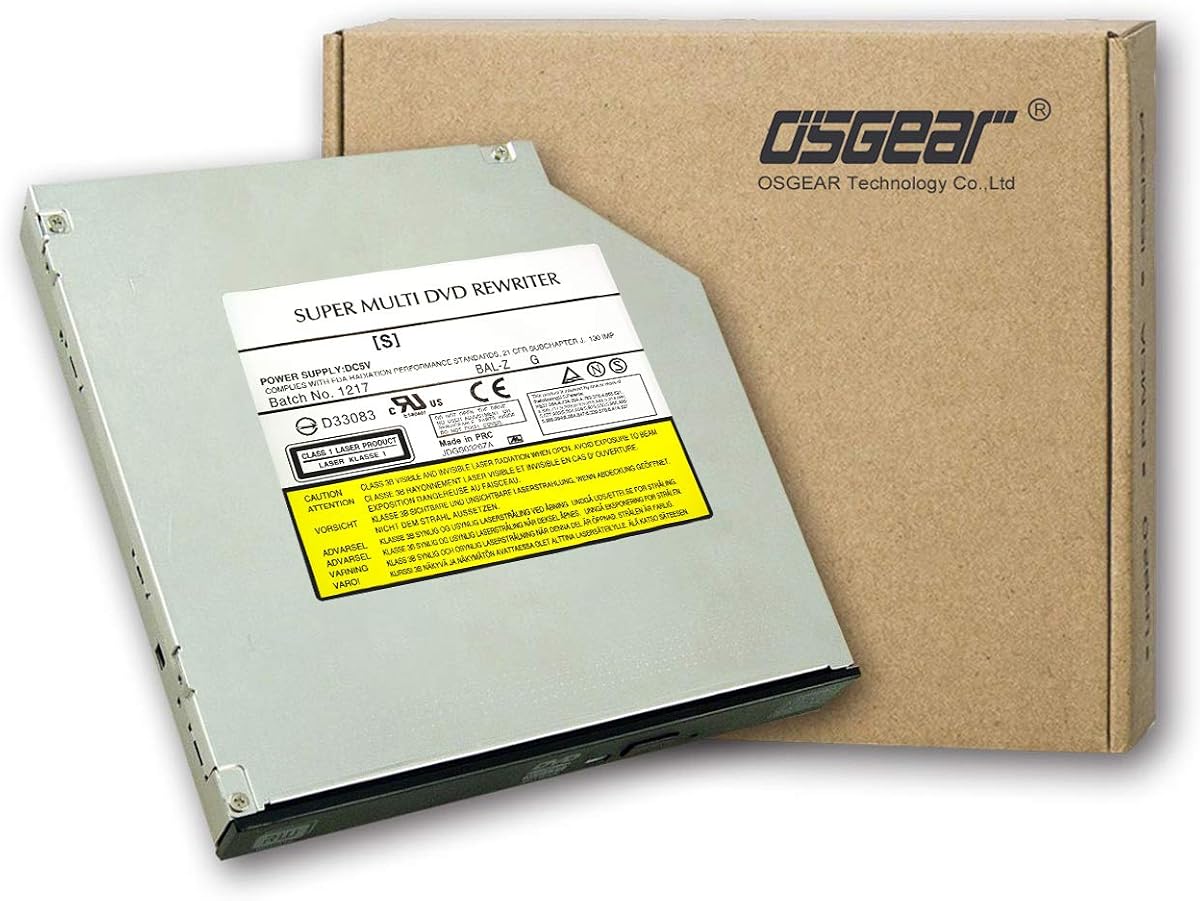
OSGEAR Internal 9.5mm
4.1Editor score
9.5mm Slim Profile
Universal Laptop Support
Plug and Play Install
This guide compares the top internal DVD drives for laptops based on speed, compatibility, and reliability to help you choose the right optical drive.
Finding a reliable internal DVD drive for laptop upgrades is essential for users who need to access physical media or burn discs regularly. Modern laptops often omit these drives, making replacement crucial for data recovery and software installation tasks.
We evaluated ten top-rated models based on build quality, read write speeds, and compatibility with various laptop brands. Each product was assessed for ease of installation and long-term performance to ensure you get the best value.
Each pick highlights key features and potential limitations to help you make an informed decision. Note that prices fluctuate frequently so verify current costs before purchasing to ensure you get the best deal available today.
4.1Editor score

4.4Editor score

5.0Editor score
The following table provides a side-by-side comparison of all ten products to help you quickly identify the best fit for your specific laptop model and usage needs.




This Hitachi-LG GTC2N drive stands out for its superior data protection features and robust performance ratings. Users appreciate the M-DISC support which ensures long-term archival capabilities for critical files.
We may earn a commission when you buy through this link, at no additional cost to you.
The Silent Play technology effectively reduces noise during disc spin making it ideal for quiet environments. Its Super Multi-Compatibility ensures you can read and write various disc formats without needing multiple devices.
While it is a bit thicker than some ultra-slim options the reliability and feature set justify the trade-off. Installation is straightforward for most standard laptop bays designed for 12.7mm drives.
Best suited for users who prioritize data longevity and quiet operation. It is a reliable choice for anyone needing a dependable internal drive for daily tasks.
This drive supports M-DISC which uses a rock-like surface to etch data ensuring it lasts longer than standard DVDs.
The drive recognizes media types to adjust playback speed reducing noise for a more comfortable viewing experience.
We may earn a commission when you buy through this link, at no additional cost to you.
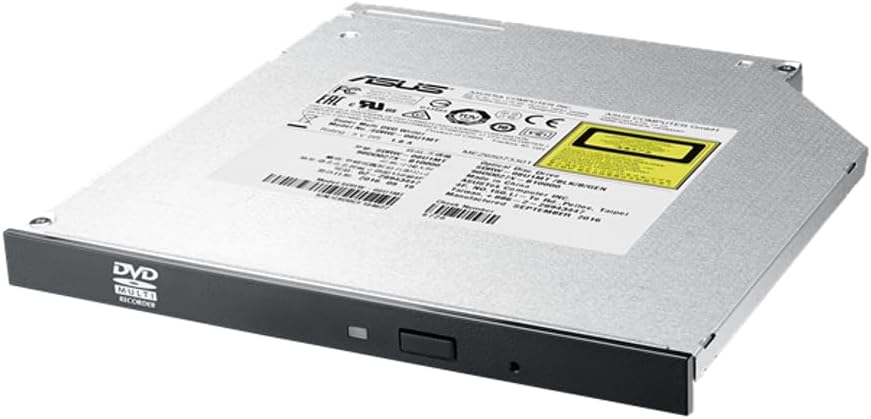
The ASUS SDRW-08U1MT is designed specifically for users with modern slim laptops requiring a 9.5mm drive. It combines performance with energy efficiency to offer a balanced solution for daily use.
We may earn a commission when you buy through this link, at no additional cost to you.
Its E-Green technology automatically closes the drive application when not in use saving over 50% power. The E-Media feature ensures a quiet environment which is perfect for office settings.
While it is pricier than some alternatives the build quality and slim profile are worth the investment. Make sure your laptop supports 9.5mm thickness before purchasing.
Ideal for ASUS laptop owners or anyone with a slim profile requirement. It delivers reliable burning speeds while keeping power consumption low.
This technology saves significant power by automatically managing the drive application when idle reducing energy waste.
At only 9.5mm thick this drive fits perfectly in ultrabooks and modern slim laptops without requiring bulk modifications.
We may earn a commission when you buy through this link, at no additional cost to you.
The HP 16X DVD-ROM Drive offers exceptional read speeds making it perfect for accessing data quickly. It is a premium choice for users who primarily need to read discs rather than burn them.
We may earn a commission when you buy through this link, at no additional cost to you.
Built with HP's rigorous quality standards this drive ensures stable performance and longevity. The Serial ATA interface guarantees smooth data transfer rates compatible with most modern systems.
Since it is read-only it may not suit users who need to burn discs regularly. However for accessing software or media it performs flawlessly.
Recommended for workstations or users who value speed and reliability over writing capabilities. It is a solid investment for those needing fast optical access.
With 16X read speeds this drive retrieves data from discs significantly faster than standard models reducing wait times.
As an original HP part this drive meets the manufacturer's strict quality control standards for consistent performance.
We may earn a commission when you buy through this link, at no additional cost to you.
This HP DVD±RW drive is a robust solution for users needing dual layer capabilities. The SH-216 chipset ensures high performance and reliable writing across various disc types.
We may earn a commission when you buy through this link, at no additional cost to you.
As an official HP part it is designed to integrate seamlessly with compatible HP laptops. The dual layer support allows for storing more data on a single disc compared to standard options.
It is a reliable workhorse for backups and media storage. Ensure your laptop supports the specific SATA and thickness requirements before installation.
Best for HP users needing a trusted replacement that supports larger disc capacities. It balances performance and compatibility effectively.
This drive supports dual layer discs allowing you to store more data on one disc than standard single layer DVDs.
Powered by the SH-216 chipset this drive delivers stable and efficient burning performance for various media formats.
We may earn a commission when you buy through this link, at no additional cost to you.
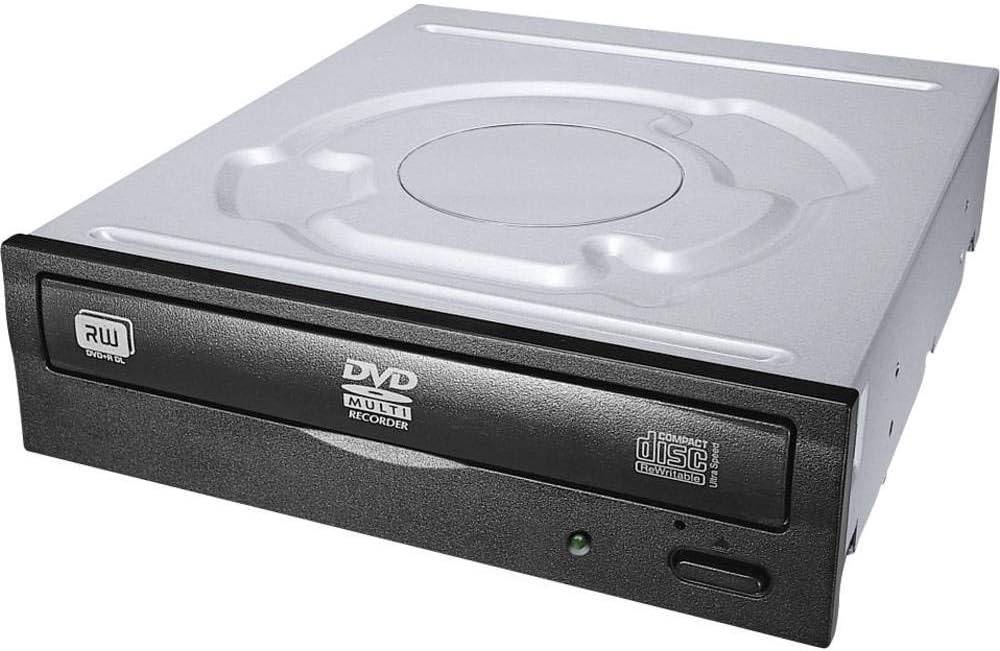
The Lite-On 24X SATA drive is known for its impressive CD read speeds and reliable performance. It is a strong option for users who frequently access audio CDs or older software discs.
We may earn a commission when you buy through this link, at no additional cost to you.
Its IHAS124-14 model ensures compatibility with a wide range of systems. The SATA interface provides stable data transfer for consistent burning results.
While not ultra-slim it fits standard bays easily. Check your laptop requirements to ensure this standard size will work.
Recommended for users needing fast CD access and reliable burning. It is a solid choice for legacy media playback.
With up to 24X CD read speed this drive accesses audio and data CDs quickly enhancing user efficiency.
The SATA connection ensures smooth and reliable data transfer for both reading and writing operations.
We may earn a commission when you buy through this link, at no additional cost to you.
This LG DVD Rewriter prioritizes quiet performance making it ideal for home theaters or quiet workspaces. The Silent Play feature effectively minimizes noise during disc playback.
We may earn a commission when you buy through this link, at no additional cost to you.
It supports M-DISC for long-term storage and includes power saving modes to reduce energy use. The tray loading design is user-friendly for easy disc insertion.
It is a well-rounded option for general use. Ensure your laptop bay matches the drive dimensions before purchasing.
Best for users who value silence and ease of use. It delivers consistent performance for everyday disc tasks.
This feature reduces noise from disc spin during movie playback ensuring a more immersive and quiet experience.
Support for M-DISC allows you to burn data that is more durable and lasts longer than standard DVDs.
We may earn a commission when you buy through this link, at no additional cost to you.
The OSGEAR Internal 9.5mm drive offers an affordable solution for users needing a reliable replacement. It supports a wide range of laptop brands making it a versatile budget pick.
We may earn a commission when you buy through this link, at no additional cost to you.
Its plug and play nature simplifies installation for most users. The drive supports Linux and Mac OS broadening its utility across different systems.
While performance is standard it does the job well for basic needs. Verify your laptop thickness before ordering to avoid fit issues.
Ideal for cost-conscious users looking for a functional drive. It is a practical choice for simple media tasks.
This drive works with many major laptop brands making it a versatile choice for various users.
Support for Windows Mac and Linux ensures it can be used with a wide variety of operating systems.
We may earn a commission when you buy through this link, at no additional cost to you.
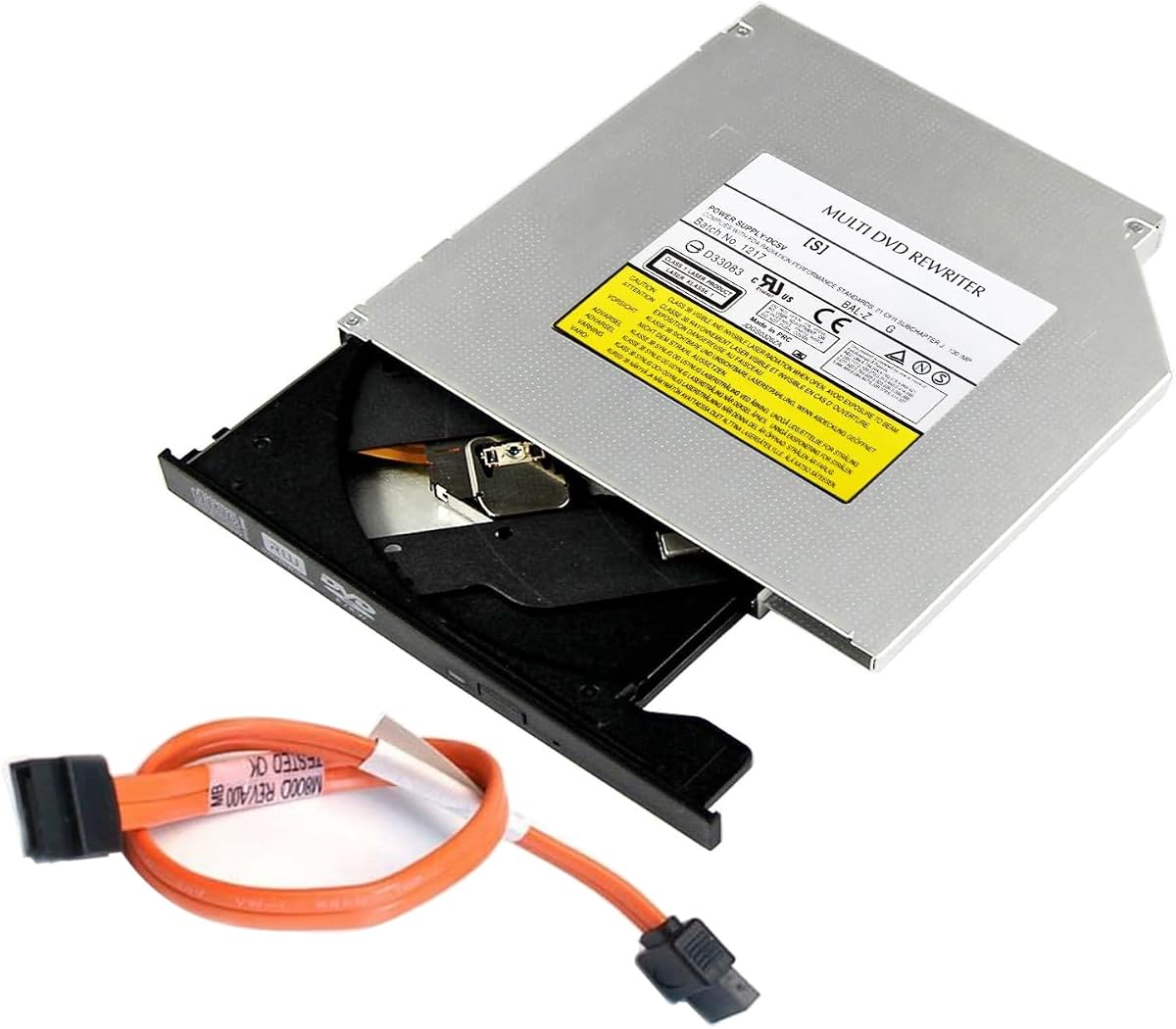
The UJ8C2 UJ8E2 drive comes with a SATA cable simplifying installation significantly. It supports slot-in loading which some users prefer for a sleeker look.
We may earn a commission when you buy through this link, at no additional cost to you.
With Mac OS support it is a great option for Apple laptop users. The one year warranty provides peace of mind for your purchase.
Ensure your laptop uses slot-in loading before buying. It is a complete package for those needing extra accessories.
Best for users needing a ready-to-install solution. It is a solid choice for Mac laptops with compatible bays.
Including a SATA cable ensures you have everything needed to connect the drive without extra purchases.
This drive supports Mac OS allowing seamless integration with Apple laptops for media tasks.
We may earn a commission when you buy through this link, at no additional cost to you.
The TechMagnet Internal 7mm drive is designed for modern laptops requiring an ultra-slim form factor. It supports M-DISC and various formats making it a versatile choice.
We may earn a commission when you buy through this link, at no additional cost to you.
As a renewed product it offers a cost-effective solution for budget-conscious buyers. The tray loading ensures easy handling of discs.
Check that your laptop specifically requires 7mm thickness before purchasing. It is a good fit for specific modern models.
Best for owners of very slim laptops needing a reliable replacement. It provides essential features at a low price.
At 7mm this drive fits perfectly in modern ultra-thin laptops where standard drives will not work.
Support for M-DISC ensures your burned data lasts longer than standard DVDs.
We may earn a commission when you buy through this link, at no additional cost to you.
This 9.5mm SATA Internal Drive offers strong value with included accessories like the data cable. Its Super Multi compatibility ensures it handles most disc formats you might encounter.
We may earn a commission when you buy through this link, at no additional cost to you.
Support for M-DISC adds longevity to your backups. It is a practical choice for general home or office use.
Ensure your laptop requires 9.5mm thickness before purchase. It fits many standard laptop bays effectively.
Best for users needing a reliable all-rounder at a good price. It is a solid option for basic optical needs.
The package includes a data cable simplifying installation and reducing the need for extra purchases.
Supports multiple disc formats ensuring you can use a wide variety of media without issues.
We may earn a commission when you buy through this link, at no additional cost to you.
Selecting the right internal DVD drive requires understanding your laptop's physical constraints and usage needs.
Most modern laptops use drives that are either 9.5mm or 12.7mm thick. It is critical to measure your existing drive or check your laptop specifications to ensure a proper fit.
Always verify thickness before buying to avoid compatibility issues.
Internal drives typically use a SATA interface for data transfer. Ensure your laptop's motherboard supports SATA to connect the drive properly.
Check your laptop manual for interface details before purchasing.
Drives come in tray-loading or slot-loading variants. Tray-loading is common and easy to use while slot-loading offers a sleeker design but may be prone to jamming.
Choose the loading type that matches your laptop's current design.
M-DISC allows you to burn data that lasts for decades. This feature is ideal for archiving important photos and documents.
Look for M-DISC support if long-term storage is a priority.
Higher speeds like 8X or 24X reduce the time needed to burn discs. For general use 8X is often sufficient for most users.
Consider your burning frequency when selecting speeds.
Some drives include silent play technology to minimize noise during operation. This is valuable for quiet environments.
Check for noise reduction features if you work in a quiet space.
Most drives support Windows but verify Linux or Mac compatibility if you use those systems. Plug and play support is preferred for ease of use.
Ensure the driver matches your operating system needs.
A solid warranty protects your investment against defects. Brands with better support options can save you time if issues arise.
Check warranty terms before finalizing your purchase.
To install the drive shut down your laptop and remove the battery. Locate the optical bay and unscrew the old drive carefully before sliding in the new unit and securing the screws.
When using the drive always use discs that are free of scratches and dust. Keep the drive clean by avoiding spills and ensuring proper ventilation around your laptop to prevent overheating.
Regularly update your laptop drivers to ensure smooth performance. If you experience issues use the eject button carefully to avoid damaging the tray mechanism.
Check your laptop manual or measure the existing drive. Most modern laptops use 9.5mm drives while older or thicker models use 12.7mm. Verify dimensions before buying.
Yes it is straightforward for most users. Just follow the instructions and use the right screwdriver. If unsure contact a professional for help.
M-DISC uses a rock-like surface to store data making it last longer than standard DVDs. It is great for archiving photos and important files.
Many internal drives support Mac OS but you must ensure compatibility with your specific model. Check the product details before purchasing to be safe.
At 8X speed it typically takes around 10 to 15 minutes. Faster speeds reduce this time significantly if supported by your hardware.
New drives offer warranty peace of mind while renewed ones are cheaper. Choose based on your budget and trust in the seller.
The Hitachi-LG GTC2N leads our list for its balance of features and reliability. It is a top choice for users needing robust performance.
Prioritize thickness and interface compatibility to ensure a proper fit for your machine. Always verify specs before placing an order to avoid returns.
Prices for these drives change so check current listings before buying. Choosing the right drive ensures your laptop remains versatile for years.